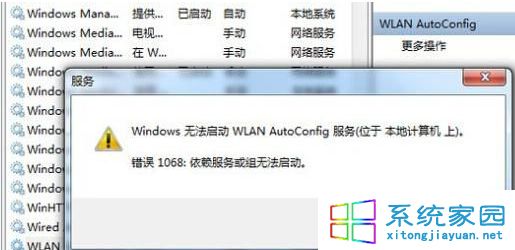
Win7 下 MSN (Windows Live Messenger) 頻繁自動離線、重新連線,主因是 TCP 接收視窗自動調諧功能與 MSN 連線機制衝突。以管理員身分執行指令關閉即可穩定連線。
netsh int tcp set global autotuninglevel=disabled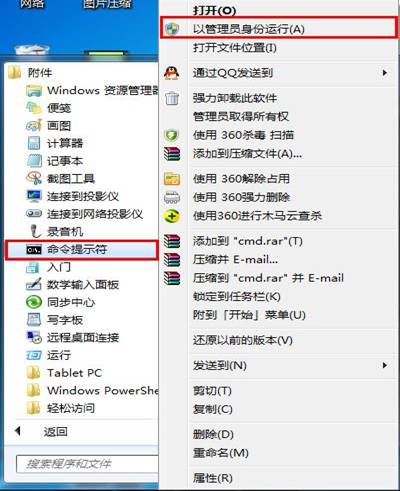
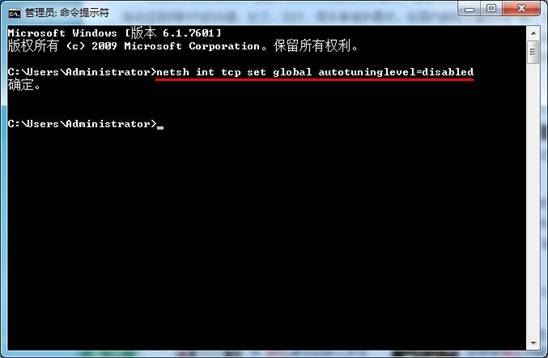
TCP 自動調諧會動態調整接收視窗大小,導致長連線 (如 MSN) 的封包確認機制失效,引發斷線重連。關閉後改用固定視窗大小,連線穩定。
若需恢復,執行:netsh int tcp set global autotuninglevel=normal
同樣適用於其他長連線應用 (SSH、FTP、遊戲、VoIP) 在 Win7/Vista/Server 2008 上的斷線問題。
Windows 7 預設字體一鍵還原:控制面板字體設定點「還原預設字體設定」秒回出廠狀態
Windows 7 RC 版今日起每兩小時強制重啟:3/1 進入嚴格階段,6/1 徹底終止
深入解析 Windows 7 VHD 虛擬硬碟:定義、用途與三大類型(固定、動態、差異)完整比較
Windows 下讀取 Linux Ext2/Ext3/ReiserFS 分區工具推薦:WinAllFS
XP 與 Windows 7 檔案共享互訪不了?四大關鍵設定逐項檢查
Windows 7 SP1 公開測試版版本號確定:Build 7601.16560 (5/24 編譯),含 RemoteFX 客戶端與動態記憶體支援