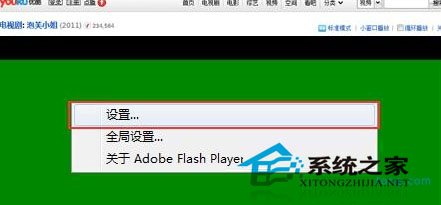
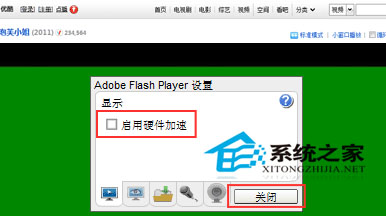
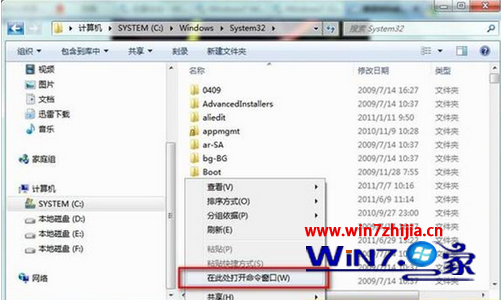
瀏覽器播放 Flash 影片時畫面呈現綠色,通常是 Flash Player 硬體加速與顯示卡驅動衝突所致。解決方法如下:
此法適用於大多數 Windows 7 環境下的瀏覽器 Flash 播放綠畫面情況。
Win7 開機自動撥號 ADSL:建立寬帶連線捷徑放入啟動資料夾,進系統即上線
Windows 7 硬碟安裝大全:從 XP、Vista、Win7 升級全攻略
Win7 安裝軟體「錯誤 1327 無效磁碟機 D:\」解決:subst 指令映射暫存目錄
Win7 重啟後解析度變 800x600 怎麼辦?重裝顯卡驅動 + 重新調整解析度徹底修復
Windows XP 能否直接升級 Windows 7?官方說明:不可,需全新安裝或雙系統
32 位元 Windows 7 升級 64 位元完整指南:必須重新安裝
查出 Windows 7 頻繁掉線真凶:並非迅雷/快車所致,而是網卡電源管理預設值
Ghost 安裝 Win7 出現錯誤 10100 成因與對策