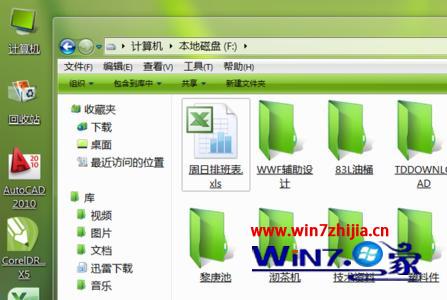
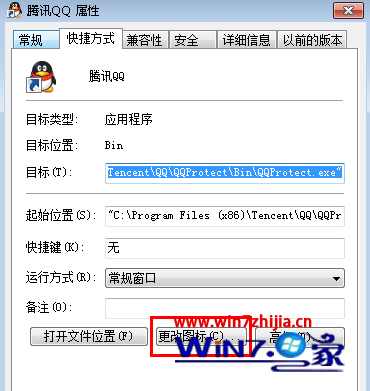
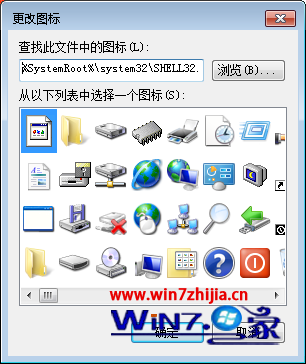
Win7 可分別更換「檔案類型」與「捷徑」圖示,前者影響所有同類檔案,後者僅影響單一捷徑。
善用圖示區分專案、環境、優先級,提升視覺辨識度。
Win7 網路連線異常「無法連線」解決:停用/啟用介面卡與內建診斷修復
Win7 桌面捷徑全變 .lnk 副檔名?修復檔案關聯登錄值完整步驟
Win7 寬頻撥號自動連線三法:啟動資料夾捷徑、工作排程器、登錄檔 Run 鍵值
五大瀏覽器 Windows 7 64 位元實測:Chrome 20 險勝 Firefox 13 奪冠
Win7 開機彈出「Windows 檔案總管已停止運作」?三大修復方案逐步排查
360 安全衛士揭露:打補丁必守「三大原則」,盲目更新反害系統
Win7 內建主題包存放位置揭秘:%WINDIR%\Globalization\MCT\ 含各國隱藏主題
Windows 7 變慢怎麼辦?清理右鍵「開啟方式」殘留註冊鍵值提升效能