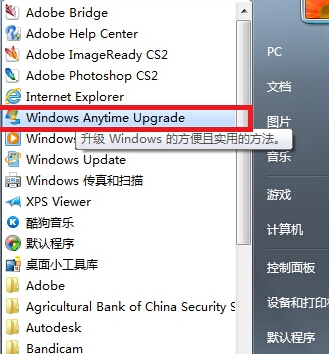
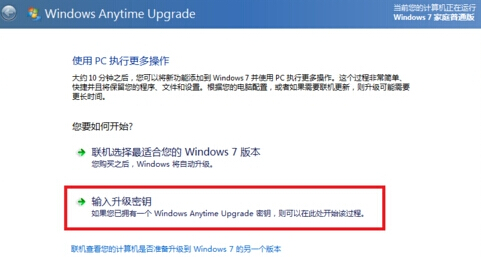
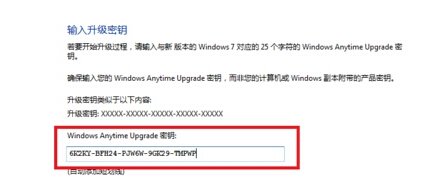
Windows Anytime Upgrade 允許輸入升級金鑰將家用版/專業版就地升級為旗艦版,保留資料與設定。
注意:需購買正版升級金鑰;網路尋找金鑰有法律與安全風險。
Windows 7 隱藏神器大公開:截圖工具、便籤、放大鏡、錄音機、遠端協助、問題步驟記錄器、惡意軟體移除工具、光碟映像燒錄器
Windows 7 IE10 字型模糊解決方法
提升 Win7 系統顯示品質:降低解析度、關閉特效與升級顯示卡記憶體
雨林木風 Win7 聲卡常見故障大全:爆音、雜音、無聲、多聲卡衝突、DirectSound 延遲、多音訊流不支援
加快 Win7 開機速度:調整開機等待時間與啟用多核心啟動
Win7 建立系統還原點 + 系統修復光碟 雙重保險 免重灌救機
Win7 設定開機等待時間:系統屬性調整預設 30 秒、Win.ini 精簡、360 開機加速三法並用
Win7 判斷 USB 介面是 3.0 還是 2.0:針腳數量硬體辨識 + 裝置管理員軟體確認