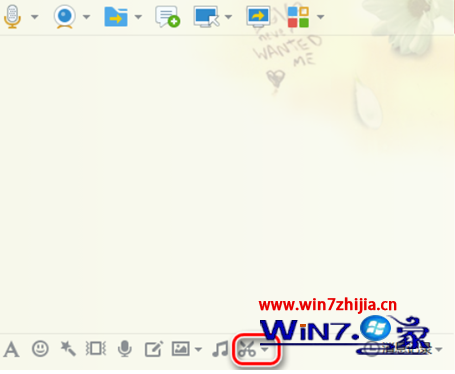
QQ 內建螢幕擷圖工具提供馬賽克筆刷,可快速遮蔽截圖中的敏感資訊(帳號、金額、臉部等)。
無需額外安裝圖片編輯軟體,即時保護隱私。
Win7 安裝 IDE 介面光碟機無法使用?四大排查方向
Win7 關閉/解除安裝 Windows Search 服務:服務管理與控制台雙法
Win7 修改日期、時間與數字格式:自訂 AM/PM 顯示為上午/下午
Win7 資源管理器導覽窗自動展開資料夾,告別手動點擊
Windows 7 媒體中心:照片修飾、音樂評分與網路電視整合
Win7 內建主題包存放位置揭秘:%WINDIR%\Globalization\MCT\ 含各國隱藏主題
Win7 IE9 看影片有聲無畫面?勾選「使用軟體繪圖而非 GPU」修復
Win7 IE8 首頁被竄改?透過登錄表鎖定首頁防範惡意修改