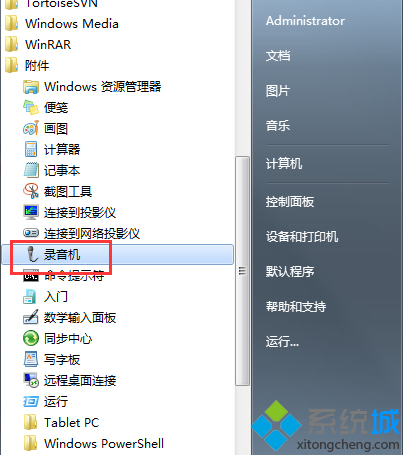
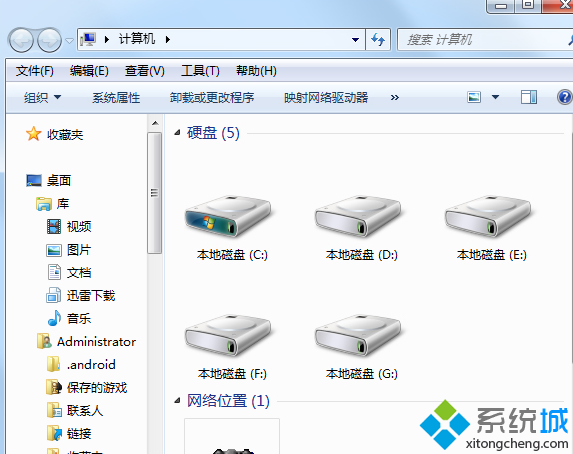
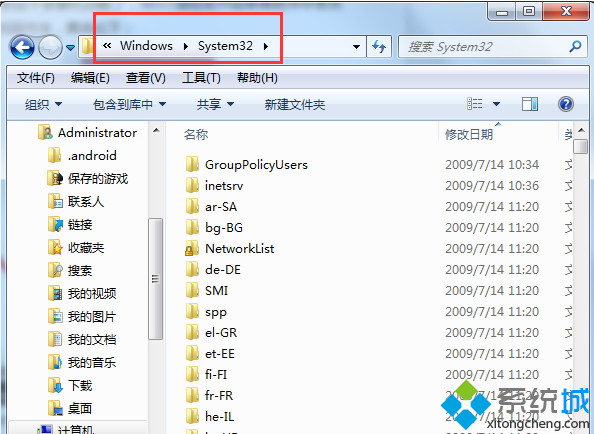
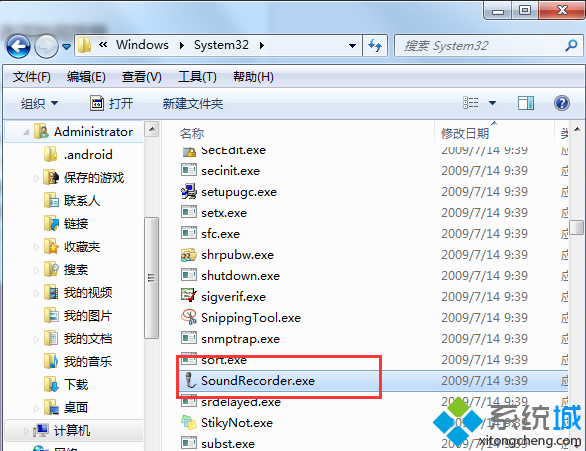
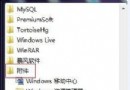
使用優化軟體清理後,開始功能表「附屬應用程式」中的「錄音機」可能消失。實際上程式檔 SoundRecorder.exe 仍在系統目錄,只需重建捷徑即可。
SoundRecorder.exe
C:\Windows\System32
替代方案:若 System32 也找不到該檔案,可能被誤刪,請從同版本 Windows 7 安裝光碟 install.wim 提取,或重新安裝「Windows 功能」中的「平板電腦元件」。
System32
install.wim
Win7 設定喚醒需密碼與螢幕保護程式恢復需密碼:雙重保護電腦安全
Win7 任務管理器無法開啟?透過群組原則啟用功能
Win 7 工作列檔案總管預設開啟「電腦」:Shift+右鍵修改捷徑目標
Windows 7 內建計算機隱藏神技:日期換算、進制轉換、房貸試算、油耗計算一機搞定
Windows 7 全新熱鍵完整速查表(含滑鼠手勢)
Win7 工作列異常(移位、鎖定失效)雙重修復:屬性重設位置、CMD 重置 StuckRects2 登錄值並重啟 Explorer
Win7 關閉 IPv6 協定解決網遊 Ping 值跳動問題
32 位元 Win7 升級 64 位元完整指南:必須重新安裝系統