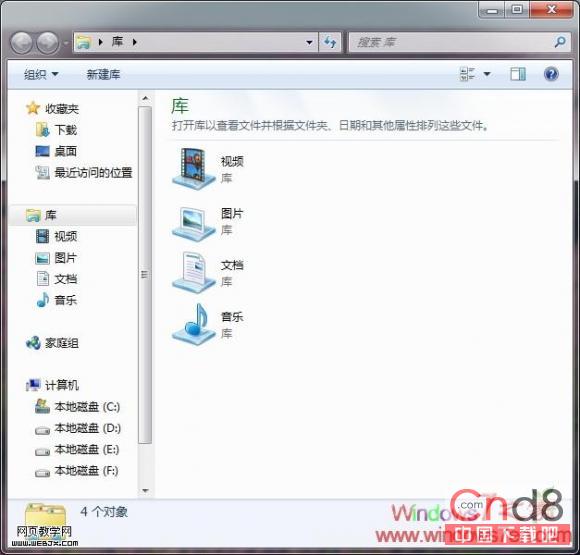
工作列釘選的檔案總管預設開「程式庫」,想改「電腦」:
%SystemRoot%\explorer.exe /e, ::{20D04FE0-3AEA-1069-A2D8-08002B30309D}
同樣無法改變 Win+E 行為,熱鍵習慣者建議另建快速啟動捷徑。
Win7 內建 ISO 映像燒錄工具使用教學 無需第三方軟體輕鬆燒錄光碟
Win 7 一鍵投影:Win+P 讓會議零等待
Win 7 版本就地升級:Windows Anytime Upgrade 10 分鐘搞定,資料設定零影響
Win7玩GTA 4提示「已停止運作」?顯卡驅動更新與相容模式雙重解決
首個 Windows 7 漏洞曝光 微軟 SDL 流程遭質疑
Windows 7 關機/重開機快速鍵大全:系統內建與自訂捷徑兩種方案
Win7 筆電效能評分檢測方法
Win7 任務列加掛附加時鐘:輕鬆掌握國外親友時區時間