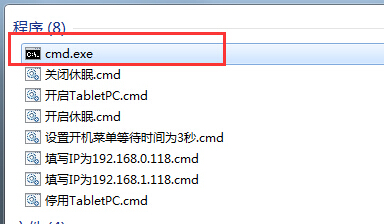
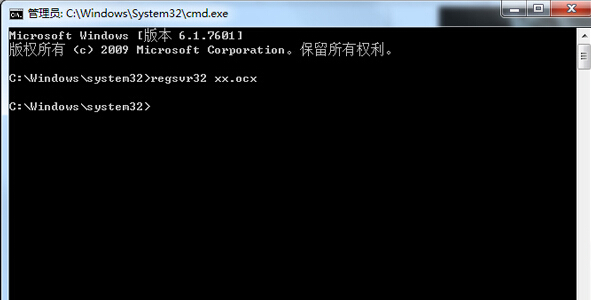
cmd
regsvr32 "完整路徑\檔案名.ocx"
regsvr32 "C:\Program Files\MyApp\Control.ocx"
%windir%\SysWOW64\regsvr32.exe "路徑\檔案.ocx"
regsvr32 /u "路徑\檔案.ocx"
鮑爾默赴台會宏碁、華碩 力推 Win 7 促換機潮
Win7 通訊連接埠初始化失敗?netsh winsock reset 重設 Winsock 目錄修復
Win7 找回藏在系統裡的 Windows Mail:4 步驟覆蓋 msoe.dll、修正權限、顯示隱藏檔
不只迅雷看看:MMCSS 服務導致 Windows 7 系統卡頓、影音不同步的深度排查與解決
Win7 AppLocker 應用程式控制原則:限制使用者只能執行指定程式、安裝指定軟體
Windows 7 使用者帳號權限機制與安全設定指南
Windows 7 程式庫功能詳解:建立、管理與搜尋整合實戰
Ping 指令進階技巧:IP 簡寫、數字串代替 IP、網路故障分級診斷流程