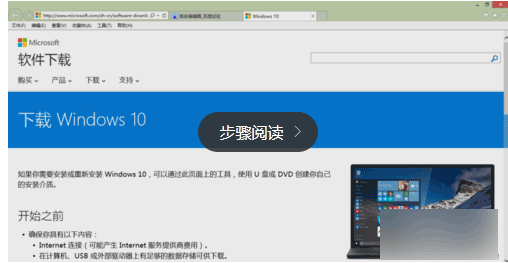
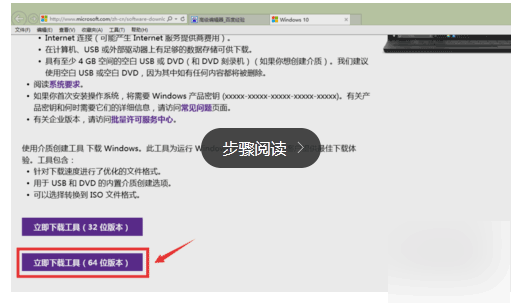
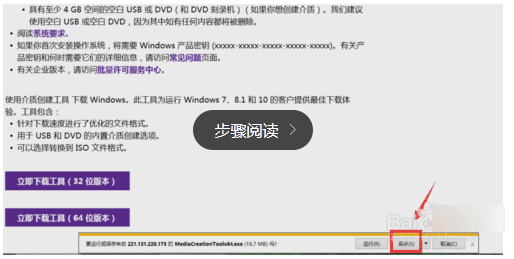
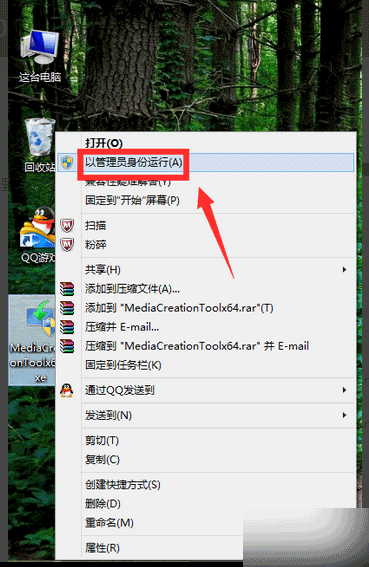
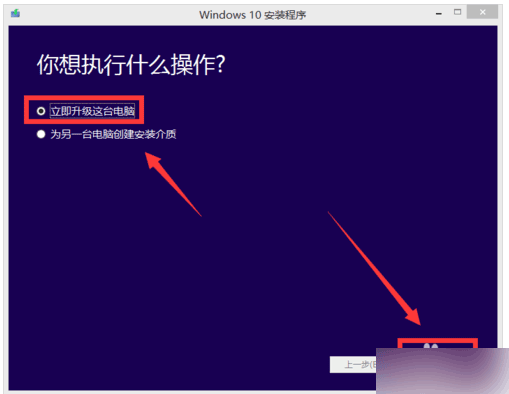
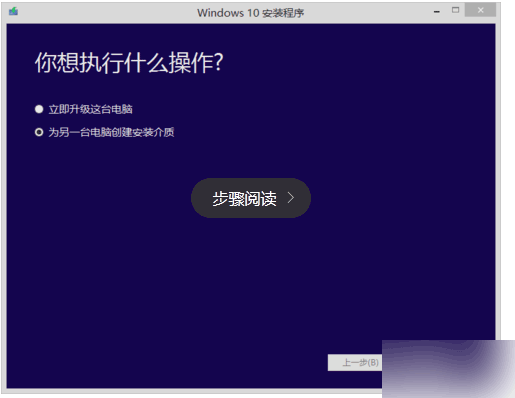
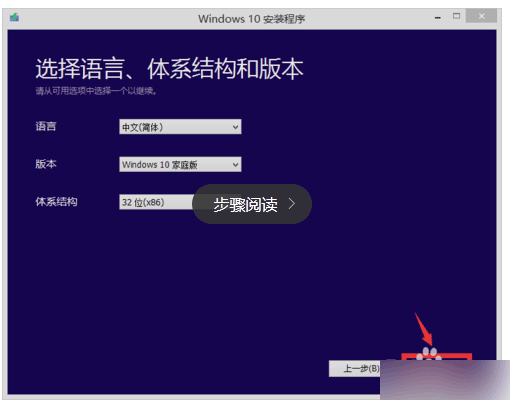
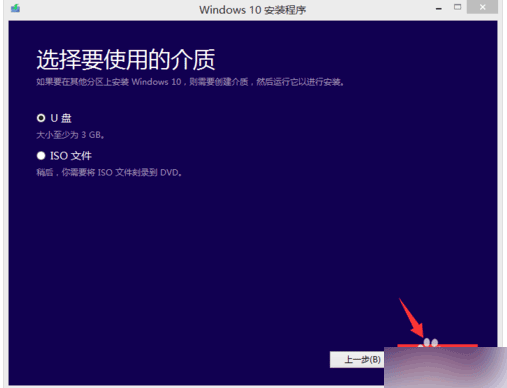
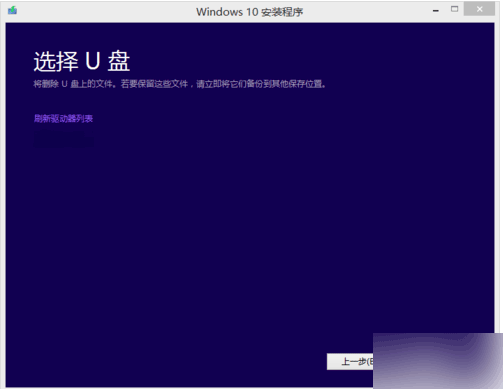
非正版/未收到推送的 Win7 用戶,可用 Microsoft 官方 Media Creation Tool 手動升級 Win10。
https://www.microsoft.com/zh-cn/software-download/windows10
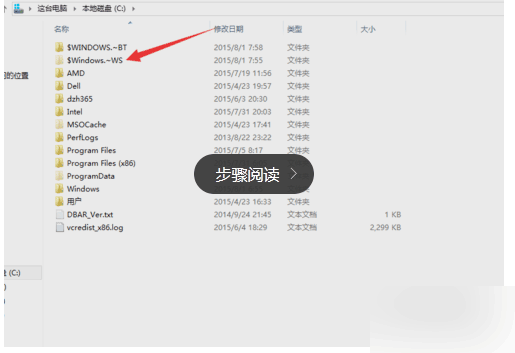
$WINDOWS.~BT
官方工具升級安全可靠,保留檔案與應用程式。
Win7 找不到「休眠」選項?一鍵指令啟用與混合睡眠衝突解除
Win7 工作列個性化設定完全指南:圖示大小、位置、合併、通知區域、Aero Peek、工具列
清空回收站後如何救回檔案?Win7 兩大恢復方案(軟體法與登錄法)
全方位強化 Windows 7 安全防線 打造更安全的系統環境
Windows 7 上市衝擊品牌機市場:硬體門檻降低、觸控筆電迎機遇、家庭基礎版成隱憂
Windows 7 群組原則隱藏磁碟機:防止誤操作系統盤
Win7 開機跳出 qqrepair.exe 損壞提示?教你用磁碟檢查快速修復
不重裝系統直接開啟 Windows 7 AHCI 模式:注冊表修改法