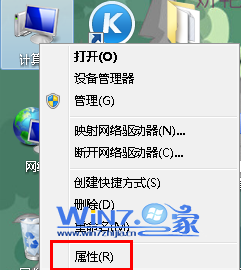
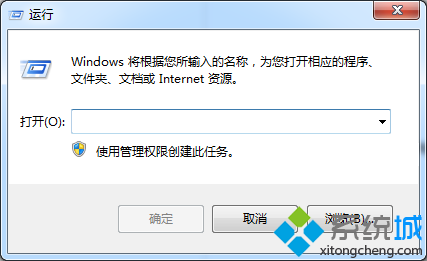
頑固檔案/資料夾無法刪除,建立批次檔拖放即可強制刪除。
DEL /F /A /Q \\?\%1RD /S /Q \\?\%1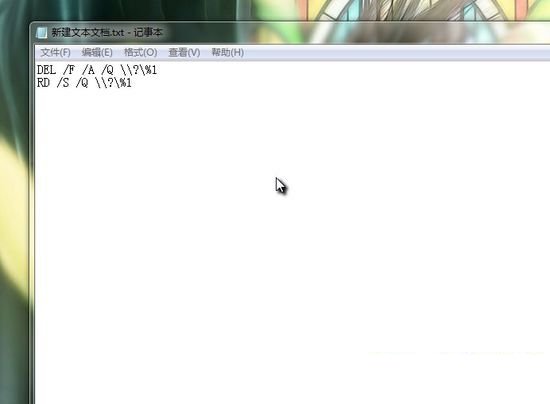
ForceDelete.bat (副檔名改 .bat)。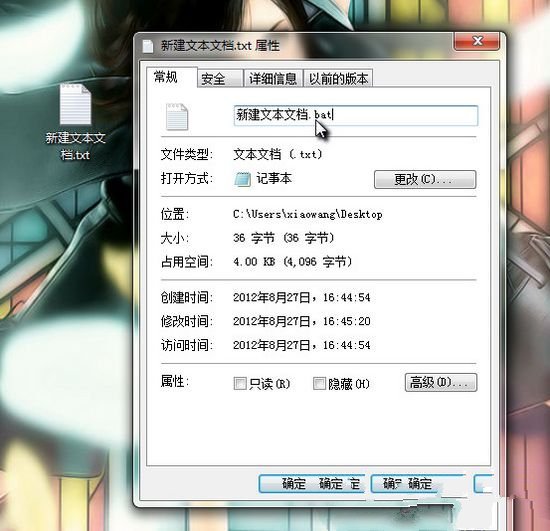



利用 \\?\ 前綴繞過路徑長度限制與檔案鎖定,刪除速度極快。
Win7 藍畫面錯誤代碼完整對照表與排除邏輯:從重開機到記憶體診斷
Windows 7 持續強化系統安全特性:行動中心整合十大功能、UAC 可調、BitLocker 延伸隨身碟、裝置安全增強
Windows 7 開機啟動項管理完整指南:啟動資料夾、msconfig、登錄表三大據點
Win 7行動中心:筆電專屬的亮度、音量、無線、電源一鍵控制面板
Win7 64 位 IE 無法加入我的最愛?修復登錄 Favorites 路徑指向 %USERPROFILE%\Favorites
Win7 遊戲無法全螢幕?登錄檔 Scaling=3、NVIDIA/AMD 控制台縮放設定完整對照表