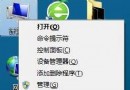
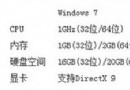
透過控制台「程式和功能」中的「檢視已安裝的更新」移除 IE10,恢復 IE9。
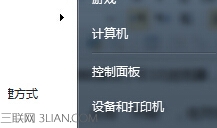
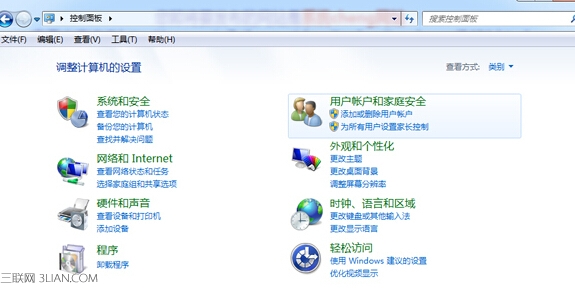
1. 「開始」 → 「控制台」。
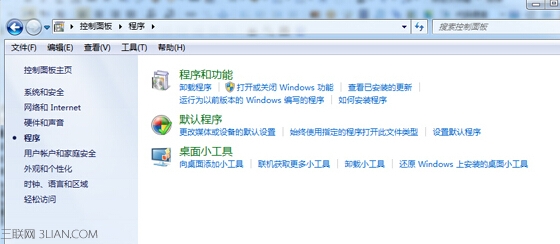
2. 「程式」 → 「解除安裝程式」。
3. 左側「檢視已安裝的更新」,找到 Windows Internet Explorer 10,右鍵 → 「解除安裝」,等待完成重開機。
系統自動回復至 IE9 版本。
Win 7 隱藏技巧:Shift+滑鼠右鍵「在此開啟命令視窗」比 Win+R 更快
Win7 64 位元旗艦版利用 sfc /scannow 修復系統檔案完整教學
Win7 磁碟分區策略:單分區極速 vs 多分區數據安全
Win7 「區域連線沒有有效的 IP 設定」完整排除教學:十大原因與對策
Win7 調整 Aero Peek 桌面預覽延遲:註冊表新增 DesktopLivePreviewHoverTime
Win7 加快刪除檔案速度:啟用 Application Experience 與 Program Compatibility Assistant Service 服務
Win7/8.1 滑鼠右鍵選單清理:魔方優化大師一鍵移除多餘項目
解決 Win7 RTM 詭異圖示損壞:重建圖示快取與改名大法