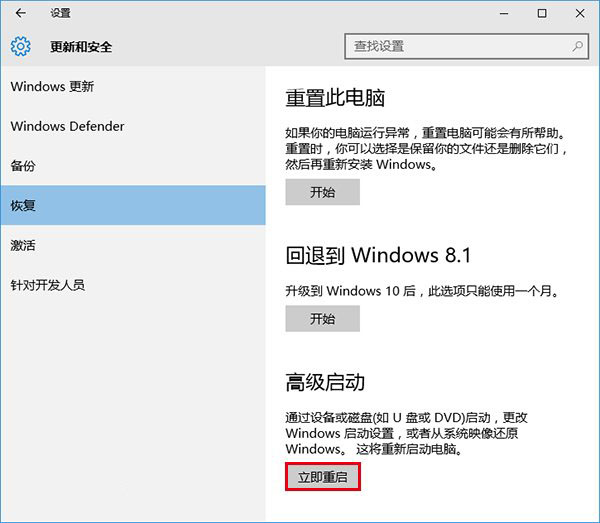
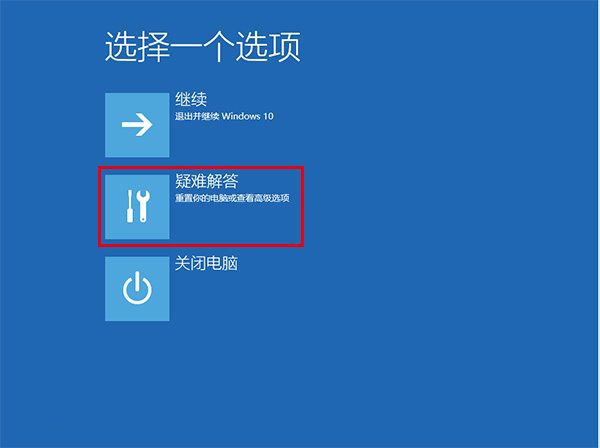
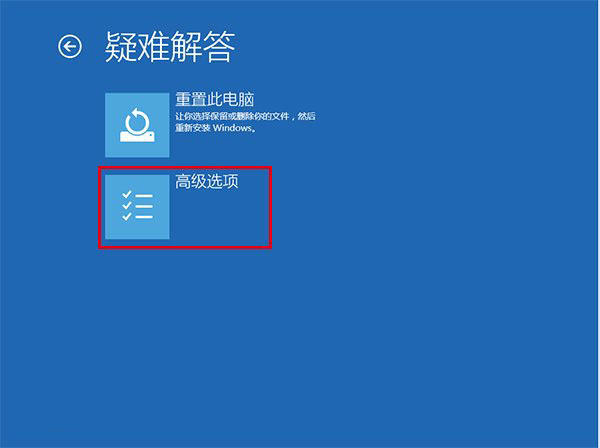
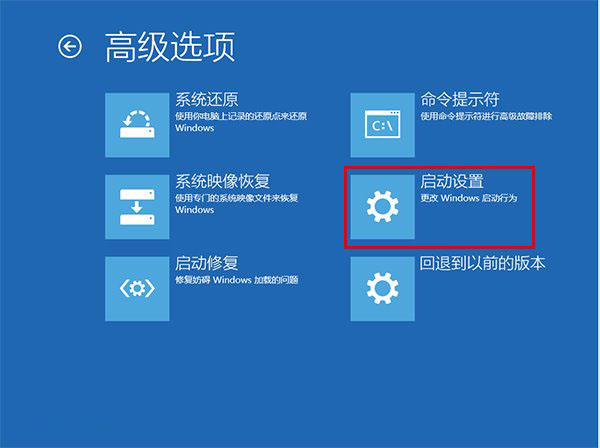
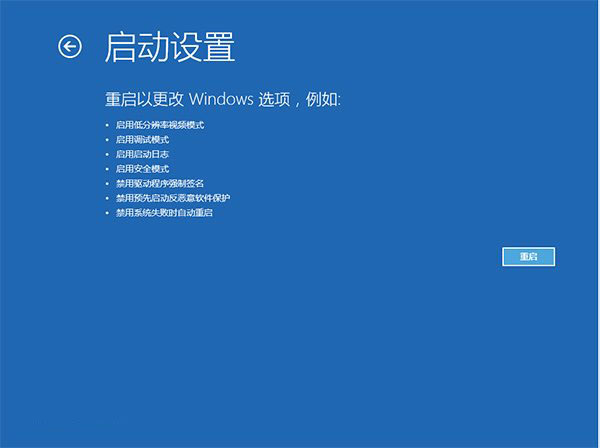
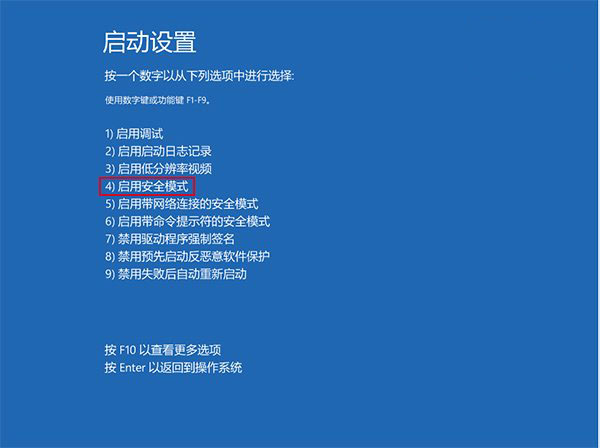
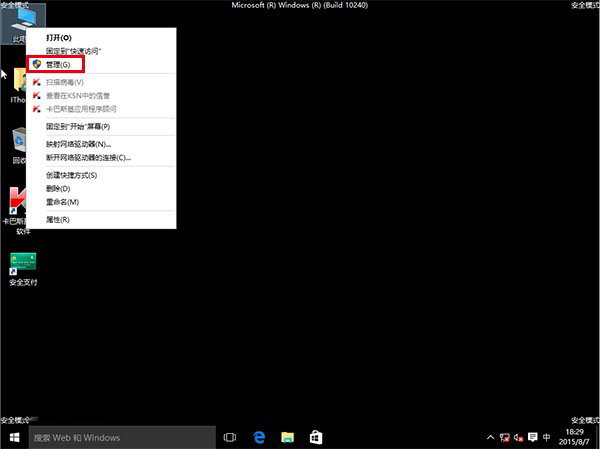
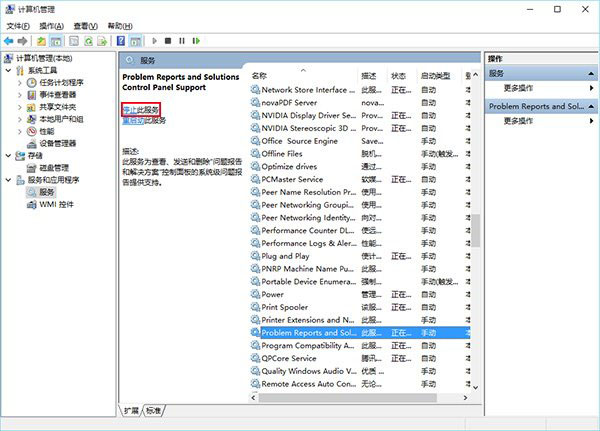
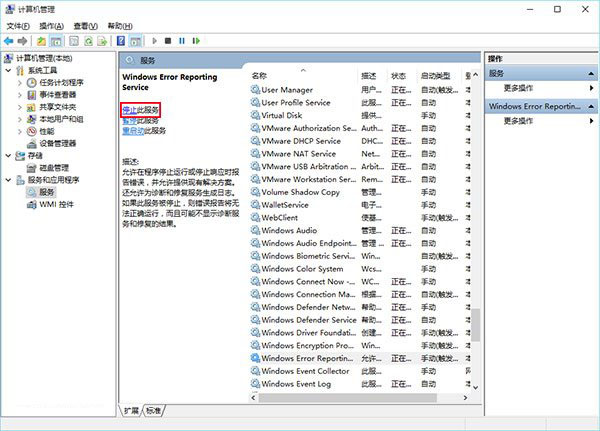
升級 Win10 後螢幕持續閃爍無法操作,微軟社群建議進入安全模式停用「Problem Reports and Solutions Control Panel Support」與「Windows Error Reporting Service」兩項服務即可解決。
此兩服務負責錯誤回報,停用不影響系統核心功能,但會停止自動傳送錯誤報告給微軟。
Windows 7 開機藍畫面 0x000000F4 排查與解決指南
瀏覽器下載 ZIP/RAR 直接開啟壓縮檔不彈出對話框?XP/Vista/Win7 三系統解法不同
Windows 7 無線網路圖示顯示「未連線」但實際可上網:重啟網路服務修復
Vista 升級 Windows 7 常見故障與解決之道:32 位元不可直升 64 位元
Windows 7 滑鼠延遲、卡頓問題解決方法
Win7取消開機登入密碼畫面?netplwiz自動登入設定教學
Windows 7 畫圖工具隱藏功能:四招輕鬆看圖、量測、放大、全螢幕
Windows 7 旗艦版打造動態視頻桌面(DreamScene 啟用)