不想在「電腦」中看到光碟機代號?修改登錄檔 NoDrives 二進位值即可隱藏指定磁碟機。
1. 按 Win + R 輸入 regedit 開啟登錄編輯器。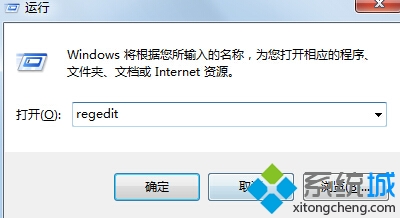
2. 瀏覽至:HKEY_CURRENT_USER\Software\Microsoft\Windows\CurrentVersion\Policies\Explorer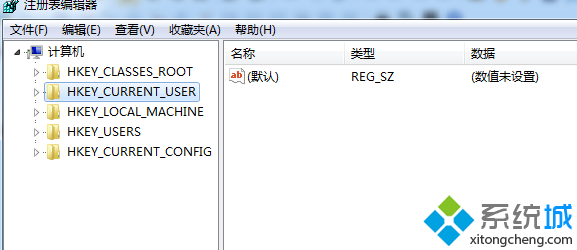
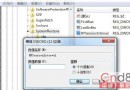
3. 右鍵空白處 → 「新增」 → 「二進位值」,命名 NoDrives。
4. 雙擊 NoDrives,數值資料設為 00 00 00 00(隱藏所有磁碟機,亦可依位元遮罩隱藏特定磁碟),確定儲存,重新開機或重新啟動 explorer.exe 生效。