Windows XP Windows 7 Windows 2003 Windows Vista Windows 綜合教學 Linux 系統教學
Windows 10 Windows 8 Windows 2008 Windows NT Windows Server 電腦軟體教學

Win7 隱藏 QQ 資料年齡性別?QQ 設定 → 權限設定 → 個人資料 → 僅自己可見

編輯:Windows 7 系統介紹

操作步驟

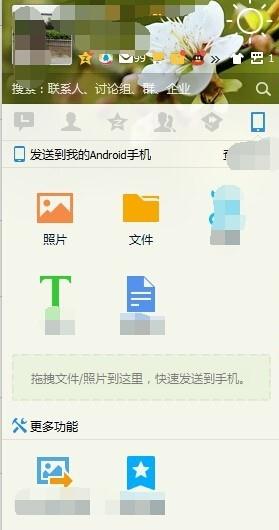
  1. 登入 QQ → 主面板左下角「設定」圖示 (扳手/齒輪)。
  2. QQ 主面板設定入口
  3. 設定視窗 → 「權限設定」。
  4. 「個人資料」分頁 → 「權限設定」。
  5. QQ 權限設定入口
  6. 找「性別」、「年齡」→ 下拉選**「僅自己可見」** (或「好友可見」/「不要讓任何人看見」)。
  7. 性別年齡權限修改
  8. 「確定」→「儲存並關閉」。

效果

他人點開你的資料卡片,性別/年齡欄位顯示「保密」/「未填寫」,達到隱私保護目的。

延伸隱私保護

  • 「地區」、「學校」、「公司」、「標籤」同理設定。
  • 「隱私」分頁 → 關閉「允許陌生人查看我的空間/相簿/日誌」。
  • 「安全」分頁 → 開啟「裝置鎖」/「登入保護」/「二次驗證」。
Copyright © Windows教程網 All Rights Reserved