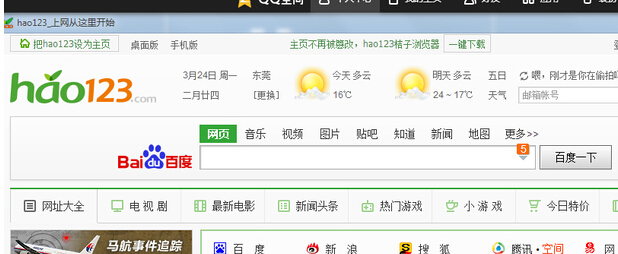
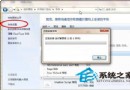
瀏覽器自動偵測編碼失敗時會顯示亂碼,手動切換至「簡體中文」編碼通常能立即恢復正常顯示。
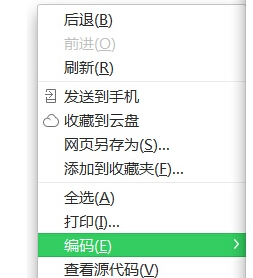
1. 開啟瀏覽器進入任意網頁,在網頁空白處右鍵 → 「編碼」。
2. 在子選單中選擇「簡體中文」。
預設為「自動選擇」,若偵測錯誤即會亂碼,固定指定編碼可避免此問題。
Win7 攝影機影像倒轉/倒立完整排查:驅動錯誤為主因、四大成因與三級解決方案
Windows 7 開機卡在「正在啟動」解決辦法
Win7 安裝時避開 200MB 隱藏分區:選擇「格式化」現有分區而非「新建/刪除」
Win7 新增區域網路印表機完整圖文教學
Windows 7 上市引來黑客覬覦 大量針對性病毒現蹤
Win7 任務列加掛附加時鐘:輕鬆掌握國外親友時區時間
Windows 7 開機動畫消失變綠條?分辨率、語言、修復三大成因與對策
Win7 系統新增「用記事本開啟」至右鍵選單的完整教學