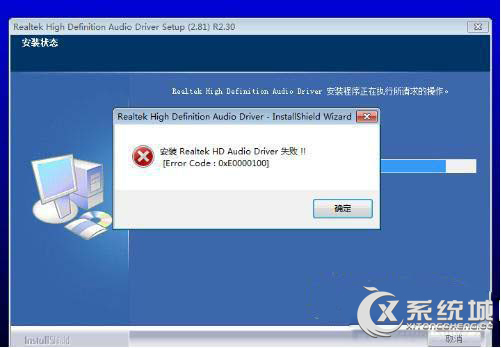
透過 BIOS 設定停用內建音效卡,避免與獨立音效卡衝突。
Chipset Features Setup
Onchip Sound
Disabled
Advanced
I/O Device Configuration
Onboard AC97 Audio Controller
停用內建音效卡後系統僅使用獨立音效卡。
掌握 Win 7 熱鍵大全:輕鬆存取、對話方塊、Win 鍵組合全收錄
Windows 7 無法識別 DVD 光碟機?刪除登錄檔 UpperFilters/LowerFilters 修復
Win7 工作排程器實戰:建立訊息提醒與定時關機
Win7 打印機驅動程式安裝失敗?啟用 Print Spooler 服務輕鬆解決
Windows 7 刪除殘留服務指令:sc delete 服務名稱
Win7 開啟「服務」管理介面三大方法:services.msc 最快
32 位元系統硬碟直裝 64 位元 Win7 最簡單法:啟動 32 位元安裝程式指定 64 位元映像
Win7 交互式服務偵測彈窗狂彈?禁用 Interactive Services Detection 服務一鍵靜默