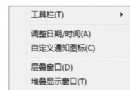
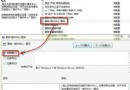
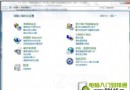
安裝電信天翼上網卡驅動後,任務列持續彈出「交互式服務偵測」對話框,極度干擾。
服務 `Interactive Services Detection` (UI0Detect) 偵測到 Session 0 隔離下的服務嘗試與桌面互動 (舊版驅動/程式未適配 Session 0 隔離),彈窗詢問用戶是否切換到 Session 0 查看。
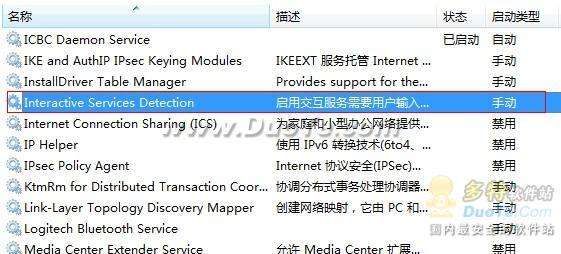
即時生效,無需重啟。彈窗徹底消失。服務本身無關鍵功能,禁用不影響系統穩定性、網卡撥號、驅動運行。
**`services.msc` → Interactive Services Detection → 停用/禁用** 一鍵根治交互式服務偵測彈窗騷擾,零副作用、永久生效。
Windows 7 斷網終極解決方案:驅動更新、IPv6 關閉、DNS 無回應完整排查
Win7 相容性問題解決:相容模式執行、系統管理員身分執行、尋找原生版替代方案
Wintel 新紀元:Core i5/i7 搭配 Windows 7,智能效能與能效雙贏
Win7 建立虛擬無線網卡 (HostedNetwork) 分享網路給手機/平板:netsh 指令完整教學
Win7 主機沒插 USB 卻出現 USB 圖示?nForce 晶片組 SATA 被誤識為可移動裝置,註冊表 DisableRemovable 修正