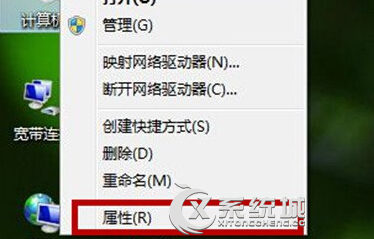
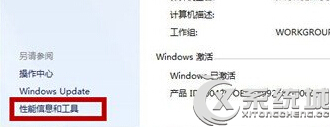
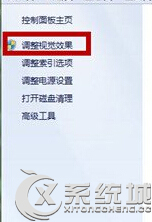
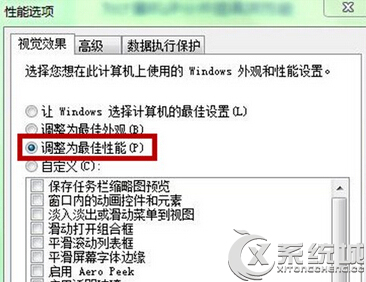
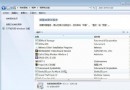
Windows 7 筆電硬體固定,關閉視覺特效可釋放顯卡資源提升流暢度:
筆電無法升級硬體時,此設定能明顯改善介面回應速度。
Windows 7 滑鼠懸停自動啟動視窗,快速切換作業視窗
Win7 字型安裝兩大法:直接複製到 Fonts 資料夾、或建立捷徑節省空間
Win7 旗艦版空資料夾刪不掉?七大原因與對應解決方案完整整理
Win7 關機自動清空指定資料夾:建立 .bat 腳本 + 群組原則關機腳本實現
Win7 放大鏡不只放大:多種模式與快捷鍵大全
Win7 開關機加速實戰:msconfig 啟用多核心、大內存啟動 + 註冊表加快關機 + 清理字型
Windows 7 錯誤報告彈出視窗怎麼關閉?一招修改登錄表徹底解決
Windows 7 RC 7100 就地升級 RTM 7600 完整實錄:語言代碼 + cversion.ini 雙修改法