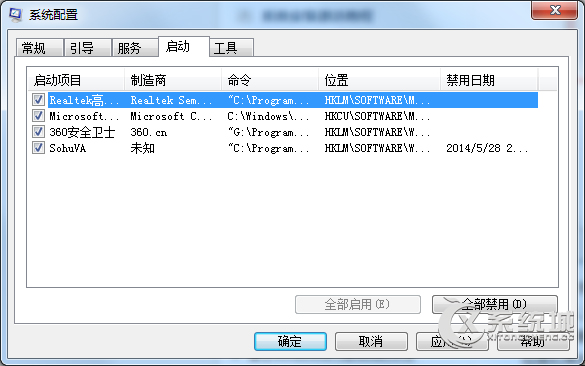
Windows 7 開機後輸入法圖示消失或無法切換,主因是 ctfmon.exe 未隨系統啟動。可透過系統設定或登錄修復。
msconfig
regedit
HKEY_LOCAL_MACHINE\SOFTWARE\Microsoft\Windows\CurrentVersion\Run
C:\Windows\System32\ctfmon.exe
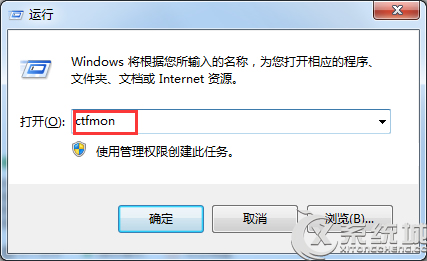
若使用中突然無法切換,按 Win + R 輸入 ctfmon 按 Enter 即可立即恢復輸入法功能。
ctfmon
Win7 啟用內建 Administrator 超級管理員帳號:圖文教學
中關村 Win7 系統獲取 EXE 檔案修改權限的註冊表法
善用 Windows 7 AppLocker 封鎖惡意程式,徹底困住木馬病毒
網路連線錯誤?逐步排查硬體、設定與訊號干擾
Win7 工作列圖示置中:建立工具列實現
騰訊電腦管家 Windows 10 升級助手:一鍵免費升級正版 Win10
Win7 系統排程備份功能完整啟用與設定教學
Windows 7 啟動修復無法進入系統:三大修復方案 (spoon.sys 驅動衝突)