Windows XP Windows 7 Windows 2003 Windows Vista Windows 綜合教學 Linux 系統教學
Windows 10 Windows 8 Windows 2008 Windows NT Windows Server 電腦軟體教學

Win7 忘記 MySQL 密碼重設教學:跳過授權表修改 root 密碼

編輯:Windows 7 系統介紹

Windows 7 環境下忘記 MySQL root 密碼,可透過 --skip-grant-tables 參數啟動服務繞過權限驗證,再更新密碼。

重設步驟

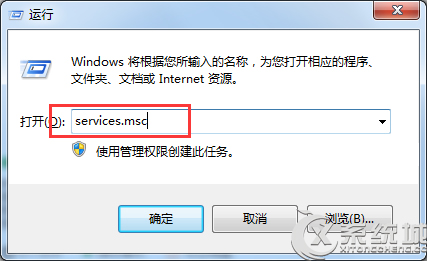
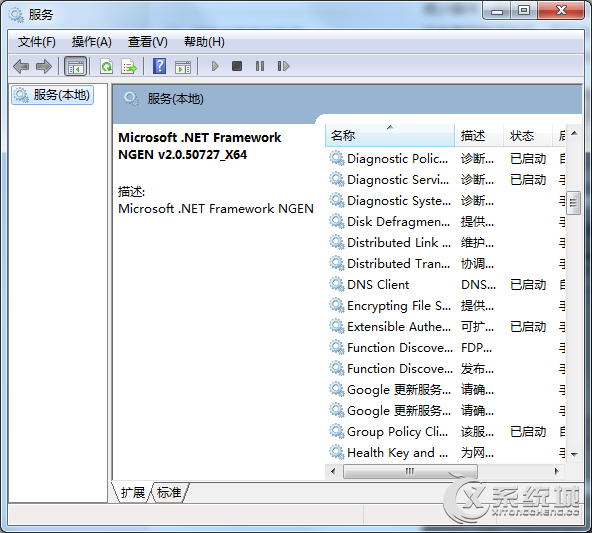
  1. 按 Win + R 輸入 services.msc,找到 MySQL56 服務並 停止。
  2. 服務管理 停止 MySQL 服務
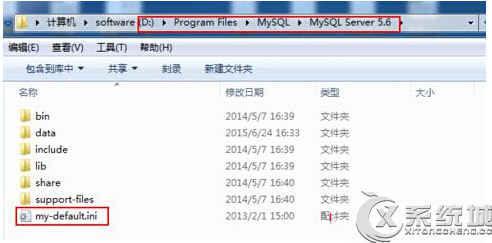
  3. 找到 MySQL 安裝目錄下的 my.ini(或 my-default.ini)設定檔路徑。
  4. my.ini 路徑
  5. 開啟命令提示字元(管理員),啟動略過授權的 MySQL 服務:
mysqld --defaults-file="D:\Program Files\MySQL\MySQL Server 5.6\my-default.ini" --console --skip-grant-tables
  1. 另開一個命令提示字元,輸入 mysql -u root -p 直接按 Enter(無需密碼)進入 MySQL 命令列。
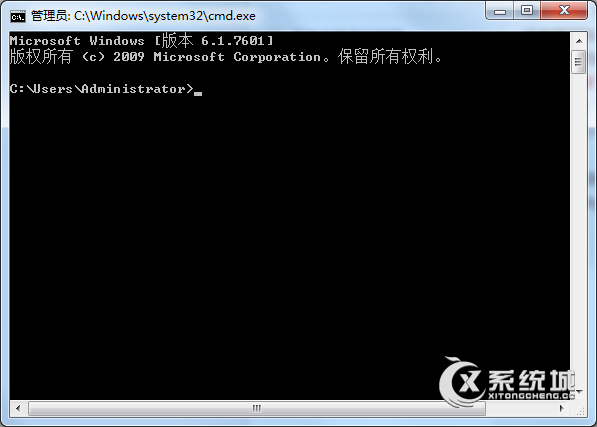
  2. 進入 MySQL 命令列
  3. 執行 SQL 更新密碼:
SHOW DATABASES;
USE mysql;
UPDATE user SET password=PASSWORD('新密碼') WHERE USER='root';
FLUSH PRIVILEGES;
  1. 關閉視窗,重新啟動 MySQL 正常服務,即可用新密碼登入。

注意:路徑請依實際安裝位置調整,新密碼請自行設定複雜度足夠的字串。

Copyright © Windows教程網 All Rights Reserved