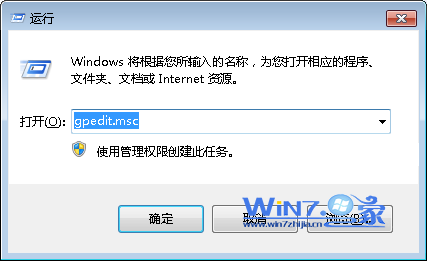
系統還原點佔用大量磁碟空間,本文示範透過系統保護介面一次刪除所有還原點,並可選擇關閉系統保護以防未來佔用。
Win 7 無法辨識舊光碟機?兩招修復 ALPM 相容性問題(含指令法)
Win7 硬碟安裝 BT4 (BackTrack 4) 完整教學:Grub4DOS + BCD 引導雙系統
Windows 7 更新補丁導致黑屏?三步驟快速修復 explorer.exe 恢復桌面
Vista 升級 Windows 7 失敗?32 位元升 64 位元是主因
Win7 聲音忽大忽小?關閉「通訊活動時自動降低音量」功能
徹底馴服 Windows 7 UAC:群組原則設定「不提示,直接提升」
Win7 一鍵關機設定:電源按鈕改為「關機」、合上筆電蓋幕直接關機
Win7 十大效率熱鍵:Win+X 行動中心、Win+空格 秒看桌面、Win+Tab 3D 切換、Win+數字 啟動工作列、Win+Home 專注模式、Win+方向鍵 視窗佈局、Alt+P 預覽窗、Ctrl+Shift+N 新資料夾、Ctrl+Shift+Esc 工作管理員、Ctrl+Shift+Enter 管理員執行