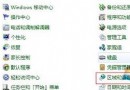
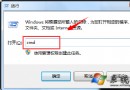
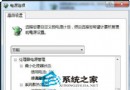
想知道電腦實際開機耗時?事件檢視器記錄精確到秒的開機時間戳記:
無需第三方計時工具,系統內建即可精確追蹤開機效能。
Win7 如何架設 IIS 建立 FTP 伺服器?旗艦版內建功能完整教學
Windows 7 熱銷內幕:一個月市佔超越 Mac OS,但真正對手是 Vista
讓低配電腦跑 Win7 更順暢:服務優化觀念與調整指南(自動/手動/延遲/禁用)
Win7 32位 螢幕色彩校正 (DCCW):內建 Display Color Calibration 完整操作指南
Windows XP 開機不顯示桌面圖示修復:Explorer.exe 重啟與自動啟動註冊
Windows 7 六大版本終極對比:入門版到旗艦版功能差異一覽