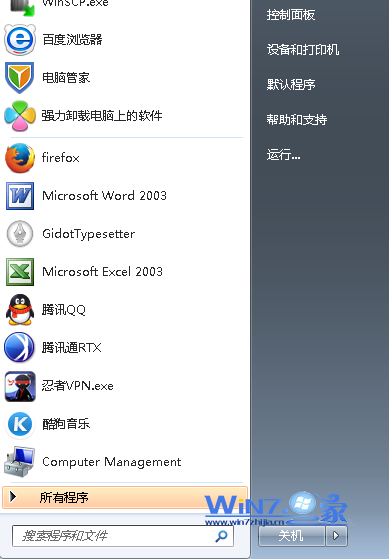
通知區域(系統匣)會記錄所有曾出現過的程式圖示,卸載程式後殘留圖示無法透過介面移除。徹底清理:
regedit。HKEY_CURRENT_USER\Software\Classes\Local Settings\Software\Microsoft\Windows\CurrentVersion\TrayNotify(建議先右鍵匯出備份)。IconStreams 與 PastIconsStream 兩個鍵值。explorer.exe:Ctrl+Shift+Esc 開啟工作管理員 → 結束 explorer.exe → 「檔案」→「新增工作」→ 輸入 explorer → 確定。通知區域即時刷新,失效圖示消失,僅保留當前執行程式圖示。