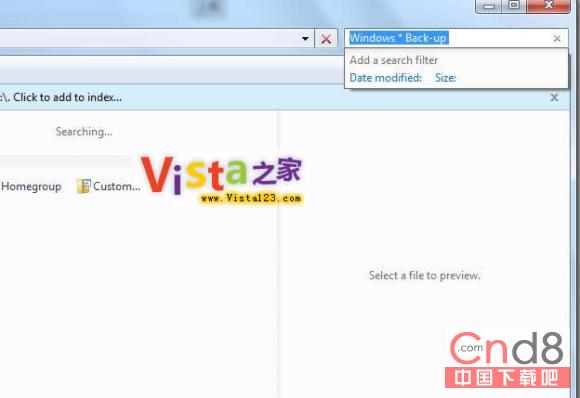
Windows 7 內建 Windows Search 4.0 功能強大,兩招提升搜尋效率:
*
Windows * Backup
Windows Vista Backup
Windows 7 Backup
?
Windows ?? Backup
Windows XP Backup
Win 7 滑鼠鍵盤快捷鍵大全:視窗吸附、工作列巡覽、桌面預覽一鍵達陣
Win7 縮圖顯示錯誤/亂碼?磁碟清理刪除縮圖快取即可修復
Win7 滑鼠右鍵選單太長?教你手動清理 SendTo 資料夾
Win7 手動新增掃描儀 裝置與印表機介面完整操作教學
Win7 關閉系統錯誤報告彈出視窗(登錄檔法)
如何破解 Windows 7 主題?官方主題庫已足夠豐富,建議善用內建與官方下載
Win7 共存 IE6 應用程式:微軟官方遷移策略、相容性清單、MED-V 虛擬化、封鎖 IE 僅限指定 URL
Windows 7 常見電腦假死三大處理方向:毒、垃圾、硬體