Windows XP Windows 7 Windows 2003 Windows Vista Windows 綜合教學 Linux 系統教學
Windows 10 Windows 8 Windows 2008 Windows NT Windows Server 電腦軟體教學

修改 Windows 7 工作列圖示:從「程式庫」改為開啟「我的電腦」

編輯:Windows 7 系統介紹

Windows 7 預設工作列圖示開啟「程式庫」,想直接開「我的電腦」怎麼辦?

Windows 7 引入「程式庫」概念取代傳統「我的電腦」,但許多用戶習慣點擊工作列圖示直接進入「我的電腦」(電腦)。透過修改捷徑參數即可實現。

操作步驟

  1. 按住 Shift 鍵並右鍵點選工作列上的「檔案總管」圖示。
  2. 在彈出選單中選擇「內容」。
  3. 工作列檔案總管右鍵選單
  4. 在「目標」欄位中,將原本的 %windir%\explorer.exe 修改為:
    %SystemRoot%\explorer.exe /e, ::{20D04FE0-3AEA-1069-A2D8-08002B30309D}
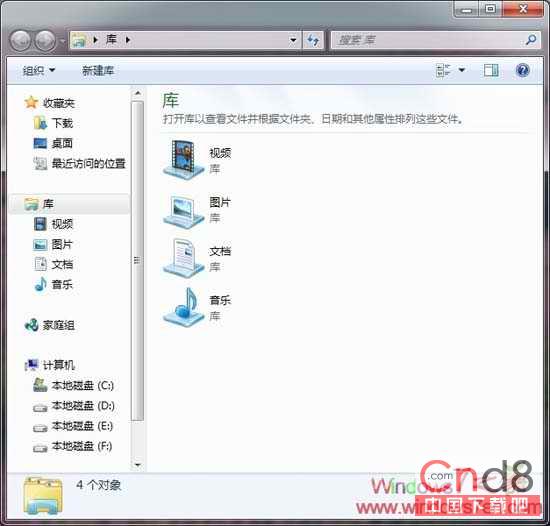
  5. 修改目標路徑
  6. 按「確定」套用。之後點擊工作列圖示即直接開啟「我的電腦」。

原理說明

::{20D04FE0-3AEA-1069-A2D8-08002B30309D} 是「我的電腦」的類別識別碼(CLSID)。加上 /e 參數讓總管以樹狀檢視模式開啟,完美復刻 XP/Win 7 傳統操作習慣。


Copyright © Windows教程網 All Rights Reserved