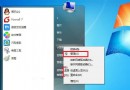
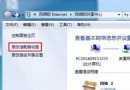
XP 無法直接看無線密碼,Win 7 內建顯示:
用途:重灌前備份密碼、同事詢問密碼、遺忘自家密碼。安全提醒:公共場合勿當眾操作。
Windows 7 更新錯誤 8024402f 完整排除與修復指南
Win7 找回藏在系統裡的 Windows Mail:4 步驟覆蓋 msoe.dll、修正權限、顯示隱藏檔
Win7 將「收藏夾」移至 USB 並自動載入:註冊表修改 Shell Folders Favorites 路徑指向 USB
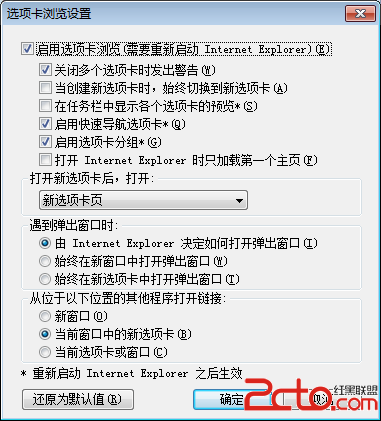
Windows 7 下 Tab 鍵 6 大實用技巧:切換焦點、重命名、視窗切換、標籤切換、命令列自動完成、輸入法輔助
Win7 將微軟雅黑/宋體替換為 XP 版宋體:取得權限、備份、替換、mcbuilder.exe 重建字體快取
盜版 Win 7 逼出免費正版升級?品牌廠商審核漏洞讓用戶撿漏
Win7 螢幕保護程式設置全攻略:樣式、預覽、密碼保護
Win 7 桌面建立 PPPoE 寬頻撥號捷徑:11 步驟圖文教學,一鍵上網不求人