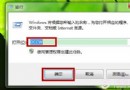
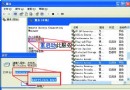
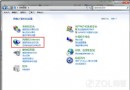
C 槽圖示變成白紙/未知檔案圖示,其他槽正常。多因下載不明軟體/關閉 UAC 導致惡意修改圖示關聯。
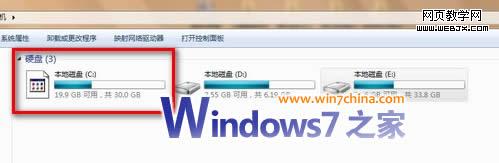
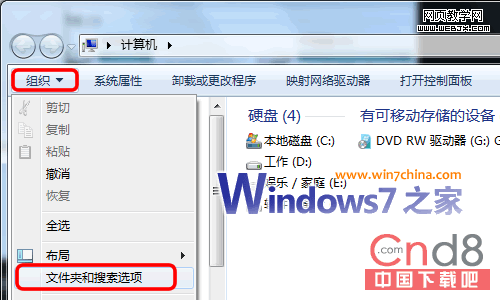
圖示立即恢復。養成不關 UAC、不下不明來源習慣,避免更嚴重損害。
Windows 7 藍屏代碼 0x1000008E 解決分析:qutmdrv.sys (360 驅動) 導致
卸載 Windows 7 後刪除多重開機選單:XP 用 fixboot、Vista/Win7 用 msconfig
中國特惠難擋盜版:Windows 7 Ghost 版免費下載破萬,上網本店預裝破解版賺差價
Win7 無法更換桌面壁紙?三大修復法:登錄表 NoChangingWallPaper、輕鬆存取中心、TranscodedWallpaper 重命名
Windows 7 忘記登入密碼破解:利用 System 權限 CMD 重設密碼 / 啟用內建 Administrator 完整圖文教學