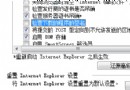
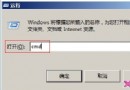
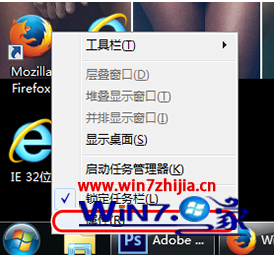
Win7 安裝 IIS(網際網路資訊服務)步驟:
https://localhost
視需求選擇安裝項目,避免不必要服務佔用資源。開發測試環境快速搭建必備技能。
Win7 執行軟體提示「無法定位動態連結庫 user32.dll 上的 dwmhintdxupdate」?複製 dwmapi.dll 至軟體目錄修復
Win7 搜尋功能消失/無法使用?檢查權限與啟用 Windows Search 服務
Windows 7 筆電 + 3G 上網卡建立無線熱點:團隊共享上網完整教學
Win7 記事本無法勾選狀態列?取消「自動換行」即可啟用
Win7 光碟機打不開/讀不到燒錄光碟?停用 Shell Hardware Detection 服務即可解決
Win7 dllhost.exe 佔用大量記憶體?任務管理員結束進程即時緩解
Win7 筆電內建麥克風沒聲音?錄音裝置被停用,啟用「顯示停用裝置」恢復收音
Win7 USB 滑鼠停頓?關閉「USB 選擇性暫停」讓滑鼠即點即用