現象:Win 7 正版授權、開機登入正常,**進入桌面前瞬間變黑屏**,僅剩滑鼠游標與右下角輸入法指示器。工作管理器中 explorer.exe 進程存在但桌面不出現。手動「新增工作」執行 explorer 桌面恢復正常。
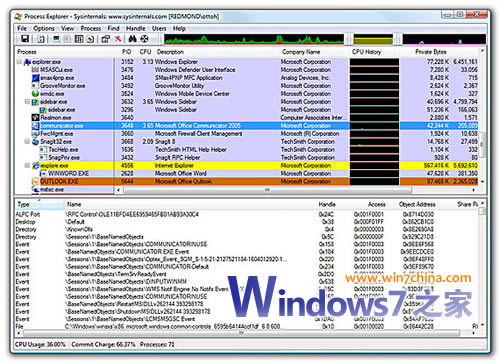
使用 Process Explorer 檢視黑屏時的 explorer.exe 命令列參數:
C:\Windows\explorer.exe /factory,{75dff2b7-6936-4c06-a8bb-676a7b00b24b} -e -mbedding正常啟動後參數為:
C:\Windows\explorer.exe差異在於額外的 /factory,{GUID} -e -mbedding 參數,導致 explorer 以嵌入模式啟動而非桌面殼模式。**這是惡意程式修改登錄表 Shell 掛載點造成**。
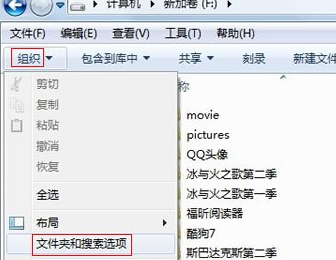
regedit)。C:\Windows\explorer.exe,定位可疑鍵值。HKEY_CURRENT_USER\Software\Microsoft\Windows\CurrentVersion\Policies\SystemC:\Windows\Explorer.exe C:\Windows\system32\tlntsvi8973.exeC:\Windows\system32\tlntsvi8973.exe,僅保留 C:\Windows\Explorer.exe。tlntsvi8973.exe 確認無其他殘留鍵值。tlntsvi8973.exe 移至隔離區/刪除。