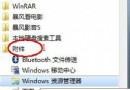
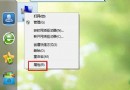
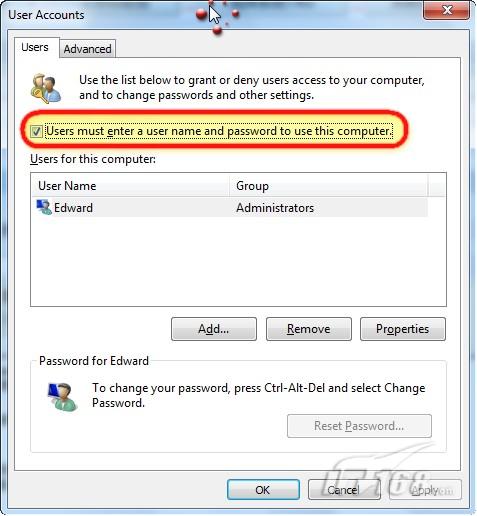
control userpasswords2。重開機後直接進入桌面,無需輸入密碼。嚴禁用於公用/共用電腦,極易造成資料洩露。僅限個人專用電腦啟用。
Windows 7 RC 十大創新亮點:效能、超級工作列、觸控、XP Mode 全解析
Win7 共用印表機出現 0x000006d9 錯誤?防火牆服務未啟動是主因
Windows 7 旗艦版缺少 Aero 玻璃透明效果?完整啟用與修復指南
Win7 修改滑鼠指標方向與樣式:下載反向指標、控制台滑鼠設定匯入 .cur/.ani 檔案
Win7 飛信無法啟動?複製 dwmapi.dll 到安裝目錄修復
Windows 8 應借鏡 Linux 的 10 大特色功能
ZDNet 專欄作家實測點出 Windows 7 XP 模式六大缺陷:虛擬工具缺失、雙系統管理、威脅主機、成本增加、配置門檻、暫時性方案