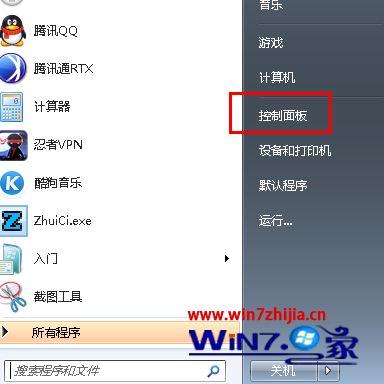
七招簡單設定筑牢 Win7 資料安全:
Win7 開啟 Wi-Fi 熱點 (虛擬 AP) 完整指令碼教學:netsh wlan hostednetwork 實戰
企業部署 Windows 7 必備的七大工具組合包
Win7 徹底清除軟體殘留服務項目的方法
Windows 10 升級後螢幕閃爍解決:安全模式停用兩項錯誤回報服務
Win7 桌面圖示藍底/陰影去除:效能選項關閉「在桌面上為圖示標籤使用陰影」
Win7 與 XP 互相存取共用資料夾/印表機完美解決:一鍵開啟共用服務與權限設定
無線網絡安全防護指南:認證與加密雙重保障
在 Win7/XP/Linux/Mac 上用 VirtualBox 跑 Android 4.0 (ICS) 虛擬機,零成本體驗安卓系統