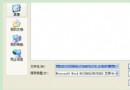
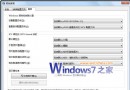
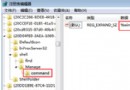
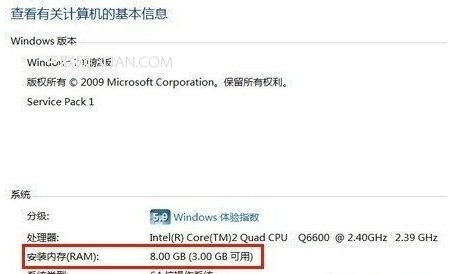
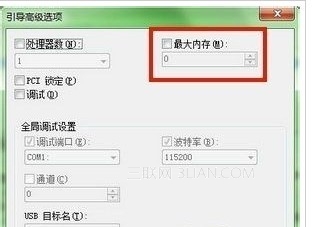
裝 8GB 以上記憶體卻只顯示 3~4GB,常因啟動選項誤勾選「最大記憶體」。修正:
msconfig → 「引導」頁籤 → 「進階選項」。重開後「系統」資訊即可顯示完整記憶體容量。
Win7 筆記本一鍵建立虛擬路由器 (非 Ad-Hoc) 簡易指令版
移除 Windows 7 右鍵「新增」選單中的「公文包」選項
Win7 安全移除 USB 後重新插入無法識別?重置 USB Root Hub 免重開機恢復
Win7 內建「問題步驟記錄器」 (PSR) 免費錄製操作步驟生成 MHTML 報告
重裝 Win7 後開機提示 Invalid partition table:DiskGenius 重建 MBR 分區表修復
Windows 7 背後驚人數字:3000 工程師、8 萬測試用戶、94% 滿意度、1400+ 機型
Windows 7 工作管理器無法開啟?映像劫持病毒專殺:清除 Image File Execution Options 項目