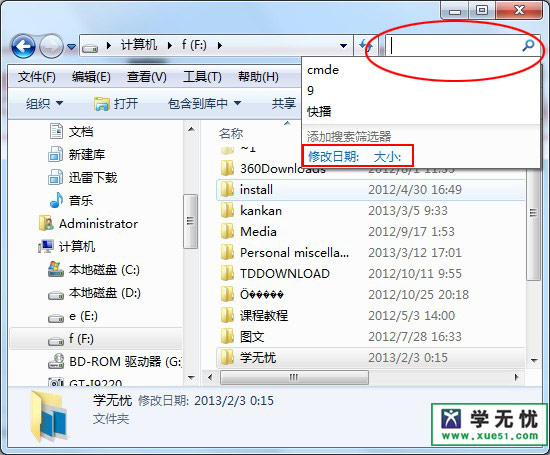
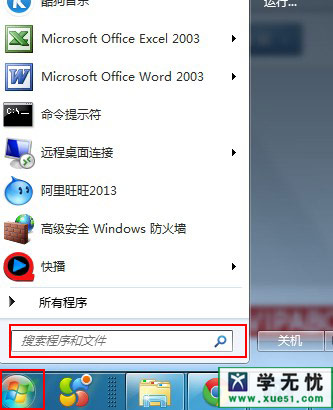
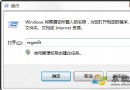
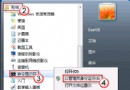
Win7 提供兩個高級搜尋入口,功能略有不同:
善用「搜尋篩選器」(日期、大小、類型)能大幅縮小結果範圍,快速定位目標檔案。
DDoS 攻擊七大經典手法解析:從 SYN Flood 到 Ping of Death 全景圖
面對 Windows 7 誘惑與壓迫,用戶永遠是弱者?理性看待定價與盜版循環
Win7 右鍵選單出現兩個「記事本」?批次檔修復檔案關聯移除重複項
微軟認證輔導:Windows 7 安裝 CUDA 開發環境完整步驟 (含 64 位元 VS 專案建立修正)
Win7 寬帶撥號錯誤 711 完整解決方案:LogFiles 權限修復與服務啟用
Win7 下載中斷/掉線?關閉網卡省電功能徹底解決長時間下載丟包
Win7 裝置管理員出現空白如何解決?
Windows 7 下 Tab 鍵 6 大實用技巧:切換焦點、重命名、視窗切換、標籤切換、命令列自動完成、輸入法輔助