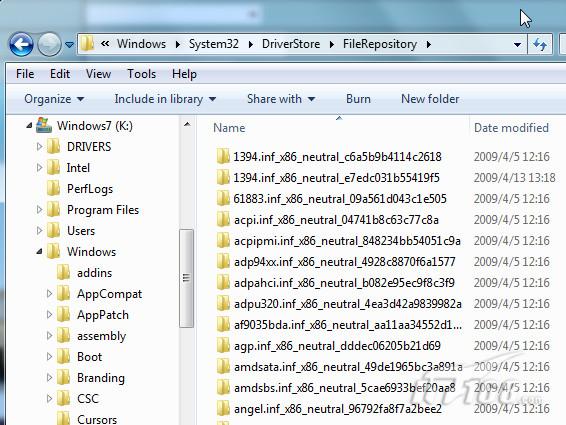
%SystemRoot%\System32\DriverStore\FileRepository
.inf
.sys
.cat
zh-TW
en-US
C:\Windows\System32\drivers
pnputil -i -a
Win7 無法安裝 Java?五大成因與對策:代理驗證、網路中斷、下載管理器、防毒軟體、TSR 程式干擾
Windows 7 四大熱門疑難雜症解決方案:資料夾共享、音量圖示、ReadyBoost、eSATA 啟動延遲
Win7開啟ICS服務失敗解決:啟動依賴服務Network Connections與Windows Firewall
XP 升級 Windows 7 遇「產品金鑰僅能升級」錯誤?官方未回應,民間有解
Windows 7 桌面視窗渲染支援 DX10.1:GPU 全面加速、視窗記憶體降 50%、豐富縮圖動畫
Win7 系統無法使用網銀與支付寶的註冊表修復方案(重複條目)
企業部署 Windows 7 前必知的 7 大關鍵議題
Win7 筆記本一鍵建立虛擬路由器 (非 Ad-Hoc) 簡易指令版