Windows XP Windows 7 Windows 2003 Windows Vista Windows 綜合教學 Linux 系統教學
Windows 10 Windows 8 Windows 2008 Windows NT Windows Server 電腦軟體教學

Windows 7 桌面小工具消失?命令提示字元註冊 DLL 快速修復

編輯:Windows 7 系統介紹

問題現象

桌面右鍵選單中「小工具」選項消失,或小工具畫廊無法開啟,通常因相關 DLL 註冊遺失或 Internet Explorer 安全性設定異常。

修復步驟

  1. 「開始」→「所有程式」→「附屬應用程式」→ 右鍵「命令提示字元」→「以系統管理員身分執行」。
  2. 依序執行以下指令(每行按 Enter):
    regsvr32 msxml3.dll
    regsvr32 scrrun.dll
    regsvr32 jscript.dll
    regsvr32 atl.dll
    regsvr32 "%ProgramFiles%\Windows Sidebar\sbdrop.dll"
    regsvr32 "%ProgramFiles%\Windows Sidebar\wlsrvc.dll"
  3. 每個指令成功會彈出「DllRegisterServer 成功」對話框;若報錯表示檔案損毀,需從正常電腦複製對應 DLL 覆蓋。
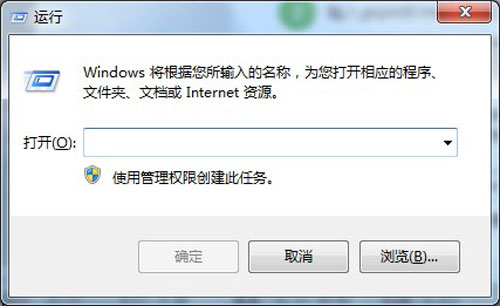
  4. 按 Win+R 輸入 inetcpl.cpl 開啟「Internet 選項」。
  5. 切換「安全性」索引標籤 → 點選「將所有區域重設為預設等級」 → 確定。
  6. 重新開機,桌面小工具功能即恢復。
命令提示字元

此法修復 Windows Sidebar 核心元件註冊與 IE 安全區域設定,能解決多數小工具消失、無法新增的問題。

Copyright © Windows教程網 All Rights Reserved