加入桌面
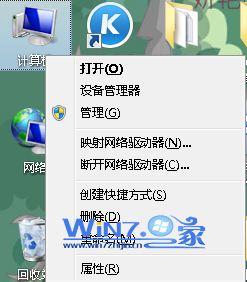
- 桌面空白處右鍵 → 「小工具」。
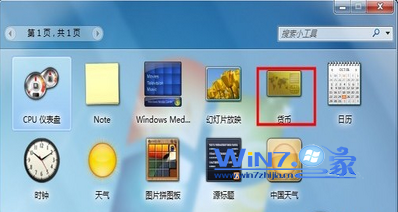
- 雙擊清單中的「貨幣」小工具,即刻出現在桌面。
設定換算幣別
- 小工具預設顯示兩欄,點擊各欄位下拉選單選擇幣別(如 USD、TWD、JPY、EUR 等),即時顯示匯率。
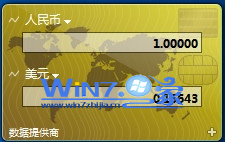
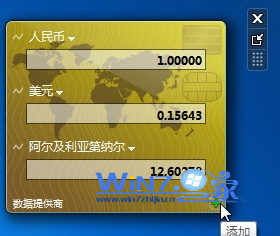
- 需更多幣別?點擊視窗右下角「+」號新增欄位。
快速檢視技巧
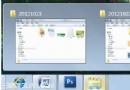
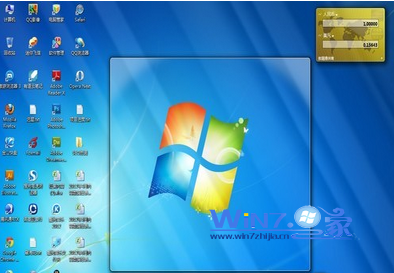
開啟多視窗時,將滑鼠移至螢幕右下角「顯示桌面」區域(或按 Win+Space),所有視窗變透明,即可一眼看清桌面小工具匯率資訊。
版本限制提醒
視窗透明預覽(Aero Peek)需 Win7 家庭進階版以上版本支援。家庭基本版無法使用此功能,可考慮隨時升級旗艦版。