Windows XP Windows 7 Windows 2003 Windows Vista Windows 綜合教學 Linux 系統教學
Windows 10 Windows 8 Windows 2008 Windows NT Windows Server 電腦軟體教學

Vista 升級 Win7 出現無限重開機問題解決方案

編輯:Windows 7 系統介紹

從 Windows Vista 升級至 Windows 7 時,若安裝程式報錯「This version of Windows could not be installed, Your previous version of Windows has been restored...」並陷入無限重開機循環,通常是開機磁區相容性問題。可用 Vista 安裝光碟修復開機磁區解決。

修復步驟

  1. 放入 Windows Vista 安裝光碟(或系統修復光碟),從光碟開機。
  2. 選擇語言、鍵盤配置後,點選「修復您的電腦」→「命令提示字元」。
  3. 在命令提示字元輸入以下指令並按 Enter:
    bootsect.exe /nt60 all

    (若光碟機代號非 D:,請先切換至光碟機代號再執行,如 D: → boot\bootsect.exe /nt60 all)
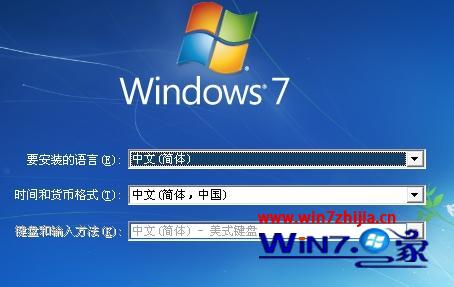
  4. 提示「Bootcode was successfully updated on all targeted volumes.」即表示成功。
  5. 移除光碟,重新開機,系統應可正常啟動至 Vista 或繼續升級程序。

升級錯誤提示畫面

原理說明

bootsect.exe /nt60 將開機磁區更新為 Windows 7/ Vista 相容的 NT 6.x 版本,修正升級過程中開機載入器版本不匹配導致的循環重開機。

替代方案

若無 Vista 光碟,可使用 Windows 7 安裝光碟/USB 同樣進入「修復電腦」→「命令提示字元」執行相同指令。

Copyright © Windows教程網 All Rights Reserved