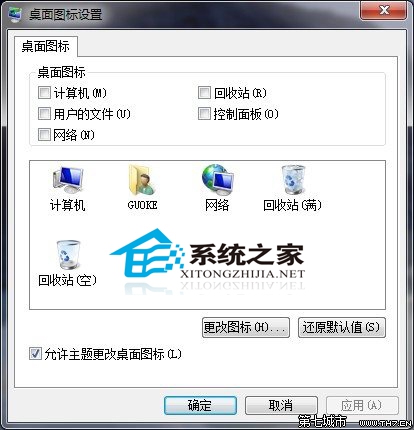
許多 Windows 7 使用者發現桌面出現「最近造訪的位置」圖示,且無法透過 Delete 鍵或右鍵選單刪除,桌面圖示設定中也找不到相關選項。實際上,這只是一個暫時性的顯示錯誤,解決方式極簡單:
經實測,絕大多數情況下「重新整理」即可讓該圖示消失。這是 Windows 7 檔案總管快取未及時更新造成的小瑕疵,並非病毒或系統錯誤,無需擔心。
Win7 如何顯示隱藏字體?Fonts 資料夾右鍵「顯示」啟用
Windows 7 雙網卡分別連接內外網:單一預設閘道 + 靜態路由解決衝突
Win7 休眠檔案 (hiberfil.sys) 佔空間大?一行指令刪除釋放空間
USB 安裝 Win7 32 位元重開機出現 error 15: file not found?GRUB 命令列手動啟動修復
Win7 xlueops.exe 是什麼進程?佔記憶體高能刪除嗎?迅雷 Bolt 引擎深度解析
Internet Explorer 9 重設為預設值完整步驟
Windows 7 更新後不再強制重開機:本地群組原則一鍵設定
Win7 無法安裝字體?desktop.ini 損壞修復與字體相容性排查