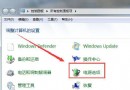
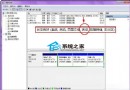
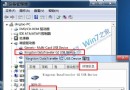
進入桌面前黑屏只有滑鼠,常見原因與對策:
explorer.exe
以上皆無效建議備份資料後重裝系統。
Win7 工作列深度客製化 8 招:快速啟動欄、庫改我的電腦、圖示大小、Jumplist、7stacks、Gmail Notifier、硬體監控
Win7 關閉視窗智慧排列 (Aero Snap) 登錄檔法
Win7 误删桌面「傳送到」選單項目恢復技巧:SendTo 資料夾重建捷徑
裝 Win 7 旗艦版 C 槽分多少?專家建議 30-35GB,15GB 極限需深度優化
Windows 7 五大常見故障與解決方案全攻略
Win7 安裝軟體「錯誤 1327 無效磁碟機 D:\」解決:subst 指令映射暫存目錄
Win7 ADSL 撥號設定完整圖文教學:建立連線、加速撥號、開機自動撥號、VBS 隱藏視窗
Win7 清除 ARP 快取防 ARP 攻擊/欺騙:指令法 arp -d 循環清除、批次檔自動化