「本地安全性原則」 (secpol.msc) 可定義密碼原則、帳戶鎖定、稽核等進階安全設定。提供兩種開啟方式,指令法最快。
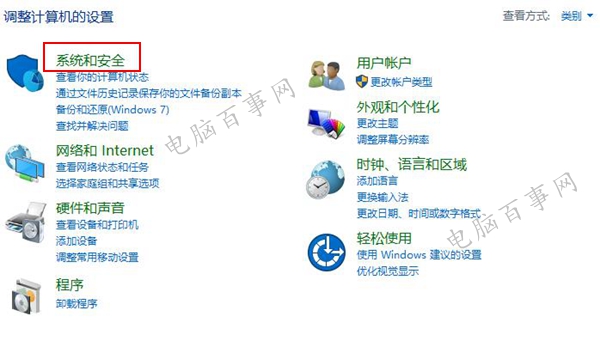
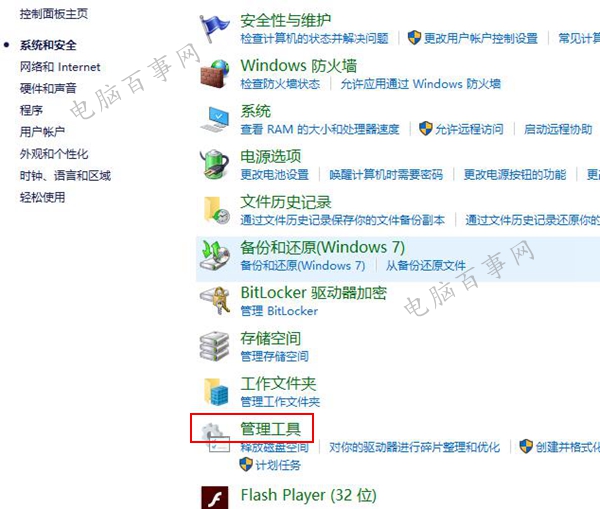
方法一:控制台路徑
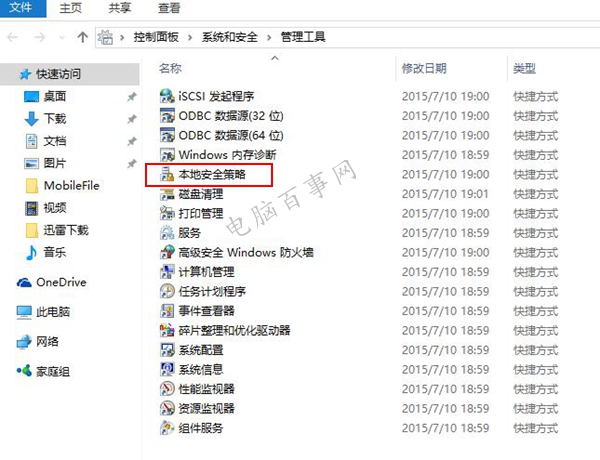
- 「控制台」 → 「系統與安全性」 → 「系統管理工具」
- 雙擊「本地安全性原則」
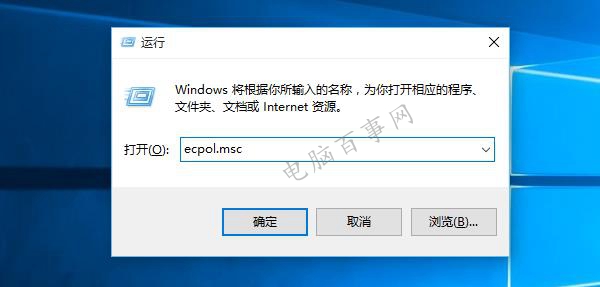
方法二:執行指令 (推薦)
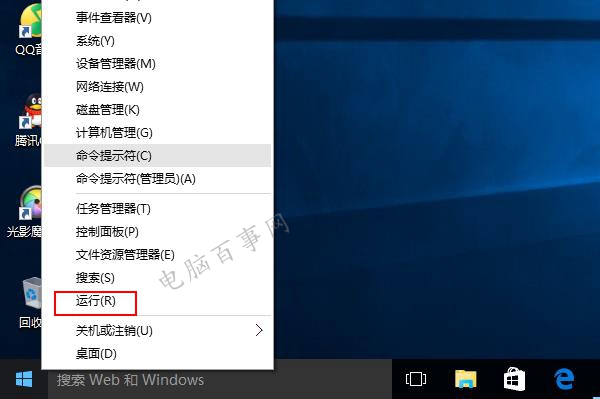
- Win+R → 輸入
secpol.msc → Enter
常用設定項目
- 帳戶原則 → 密碼原則 (長度、複雜度、最長使用期限)
- 帳戶原則 → 帳戶鎖定原則 (嘗試次數、鎖定時間)
- 本地原則 → 稽核原則 (登入/登出、物件存取)
- 本地原則 → 使用者權限指派 (批次作業登入、服務登入)
注意
家庭版無 secpol.msc,需透過註冊表或第三方工具修改對應設定。