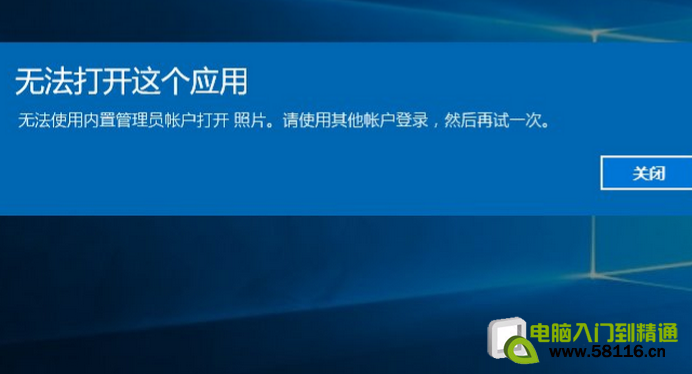
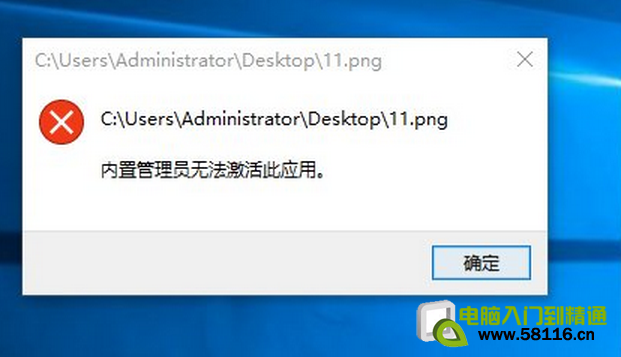
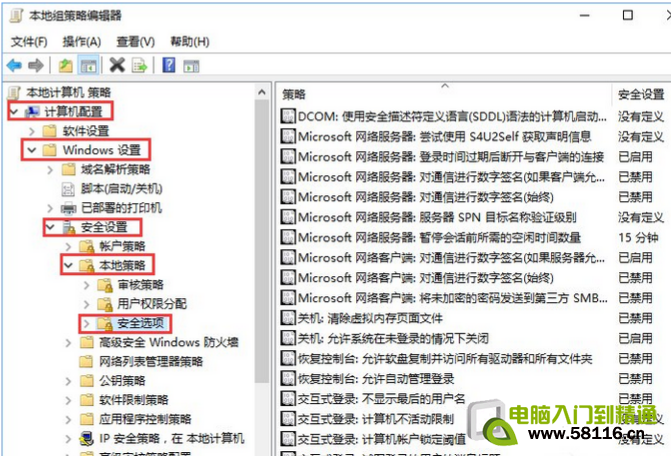
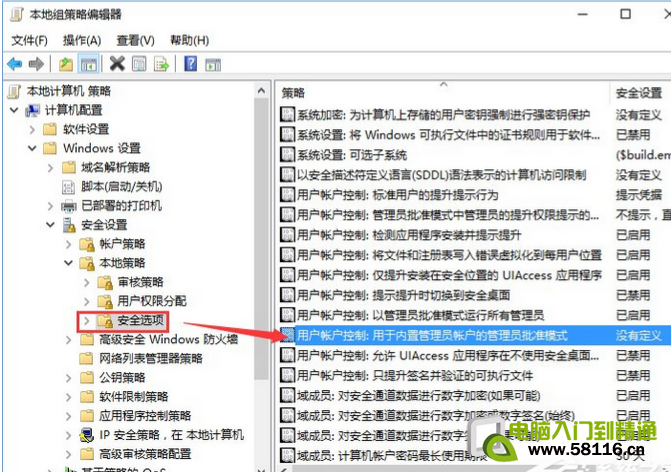
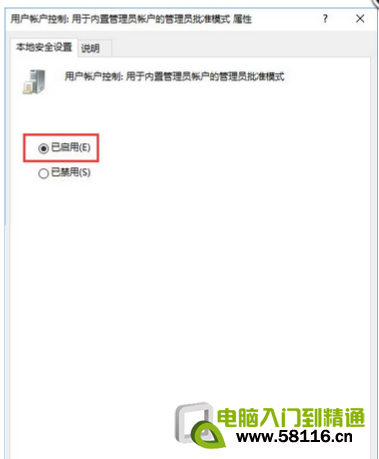
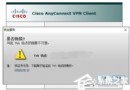
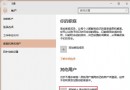
Win10 使用內建 Administrator 帳戶開啟現代化應用程式時提示錯誤,需啟用「內建管理員帳戶的管理員核准模式」:
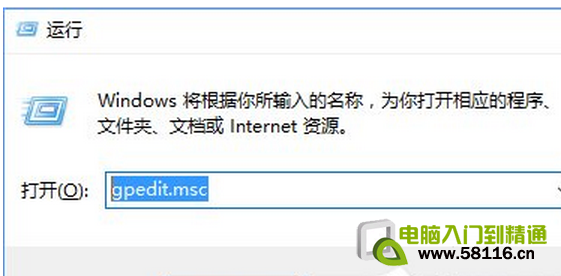
gpedit.msc
啟用後即可正常使用內建管理員帳戶開啟所有應用程式。
Win10 封鎖預裝應用與遊戲自動安裝:登錄表一鍵關閉內容傳遞
Win10 Modern/UWP 應用程式閃退修復:PowerShell 重新註冊所有應用
Win10 內建鬧鐘功能完整教學:設定鬧鈴、重複、鈴聲全攻略
Win10 關機後電源燈不滅?關閉快速啟動解決
Win10 預覽版 14251 更新總覽:修復遊戲崩潰、螢幕閱讀器崩潰、DPI 175% 檔案總管崩潰
Win10 一鍵重設檔案總管「常用資料夾」與「最近使用的檔案」:刪除 AutomaticDestinations 資料恢復初始狀態
MacBook 安裝 Win10 後觸控板無右鍵?Boot Camp 控制面板啟用「輔助點按」
Win10 使用組策略禁止指定程式執行(如遊戲、QQ)