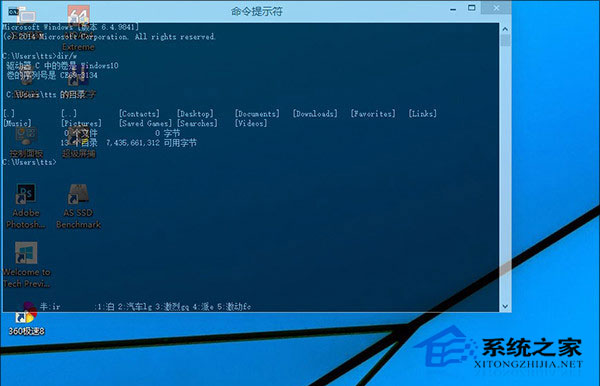
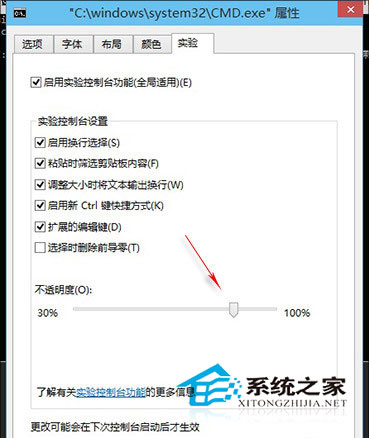
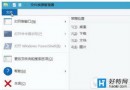
Windows 10 命令提示字元新增不透明度調整 (30%-100%),隱藏於「實驗性功能」索引標籤。
半透明效果美觀且實用,可參考底層視窗資訊輸入指令。
Win7 修改登入介面為 Win10 風格:替換 authui.dll/basebrd.dll 並更換背景圖片兩步驟完成
Win10 如何開啟中文版 Cortana
Win10 開機黑屏怎麼辦?安全模式 + 乾淨啟動完整修復指南
Win10 開機提示「系統資源不足無法完成 API」解決方法
Windows 10 IE 瀏覽器無法開啟網頁?重置 IE 設定與 Winsock 目錄修復
Win10 開機彈出「沒有預設郵件用戶端」?設定 Outlook 為預設程式
Win10 筆電搜尋不到 5G Wi-Fi?三大原因與對應解法
Windows 10 使用疑難排解自動修復系統故障