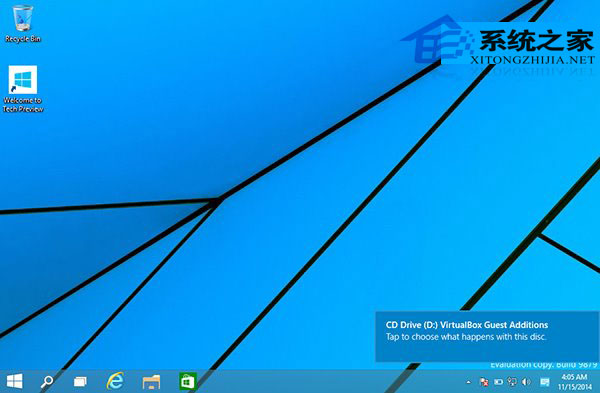
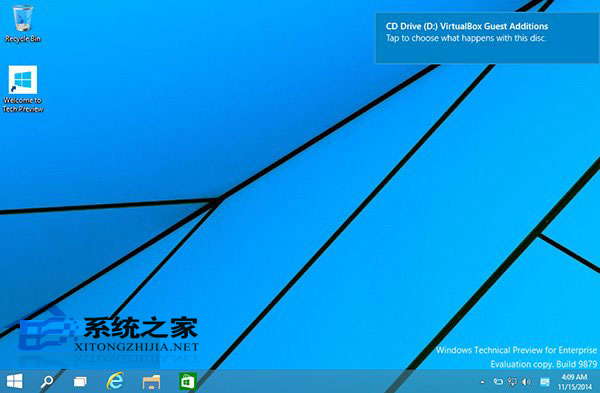
Windows 10 通知彈出預設在右上角,易遮擋視窗標題列。可透過註冊表修改顯示於右下角。
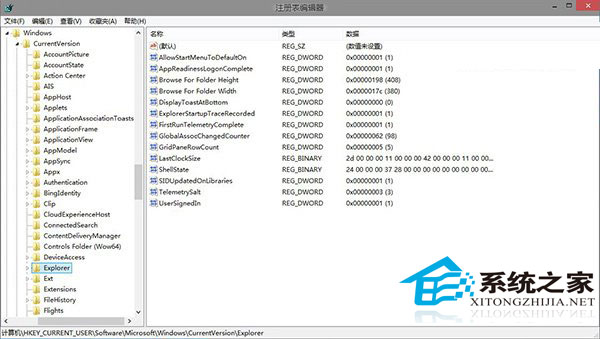
regedit
HKEY_CURRENT_USER\Software\Microsoft\Windows\CurrentVersion\Explorer
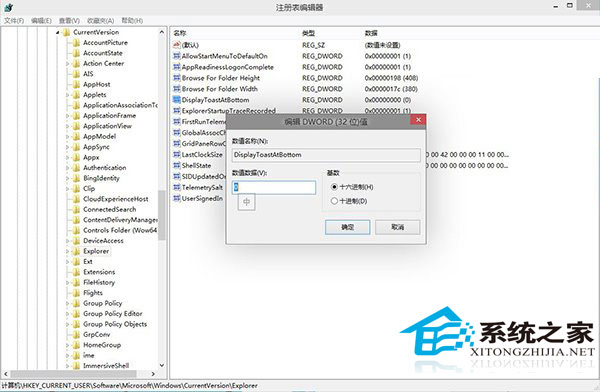
DisplayToastAtBottom
1
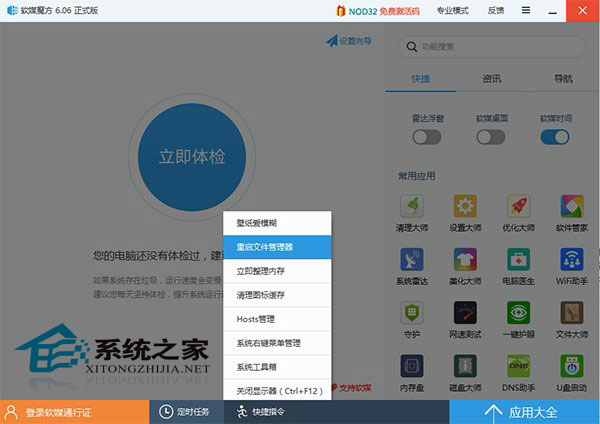
將 DisplayToastAtBottom 數值改回 0 或刪除該值,重啟檔案總管。
0
右下角顯示符合大多數使用者習慣,不干擾視窗操作。
Win10 預覽版磁碟機代號重複顯示?註冊表修復 .reg 檔一鍵解決
Win10 如何建立 PPPoE 撥號連線?圖文教學輕鬆上網
Win10 禁用自動更新三法:停用服務、延遲更新、計量連線,靜待正式版
驅動人生新增「裝機評估」功能:一鍵檢測電腦是否支援 Win10、預下載驅動
Win10 開始功能表與 Cortana 都無法運作?User Manager 服務啟用修復法
Windows 10 快速開啟螢幕鍵盤完整圖文教學
Win10 字體顯示模糊不清?調整自訂縮放至 100% 即可銳利復原
Win10 系統下 NVIDIA 控制台無法開啟?解決方法與原因分析