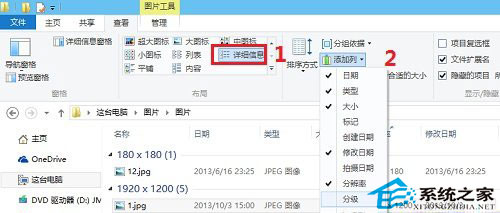
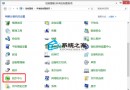
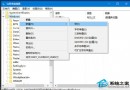
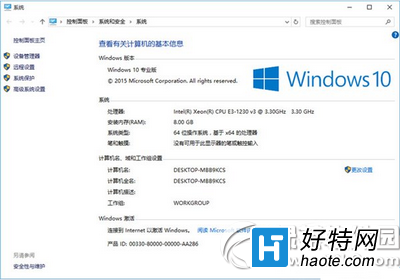
Windows 10 檔案總管「詳細資料」檢視可自訂顯示欄位,支援圖片解析度、建立時間、拍攝時間、評等等豐富屬性。
可依需求顯示 EXIF 資訊,方便攝影師管理照片資料。
Win10 vs Win8 八大差異深度解析:開始選單回歸、通用應用、Cortana...
Windows 10 應用商店閃退解決方案:PowerShell 重註冊與快取清除雙管齊下
Win7 電腦管家一鍵修復 QQ 無法安裝問題
Win10 Build 9860 介面文字缺失/顯示不全?安裝 KB3008956 更新修復字型回退機制
Win10 預覽版需要啟用嗎?啟用碼/金鑰取得管道說明
Win10 查看網路資料使用量:設定→網路和網際網路→資料使用量,總覽與單一應用程式流量雙重掌握
Win10 升級助手提示「網卡不支援」?先安裝原版映像再更新網卡驅動解決相容問題
Windows 10 全新開始選單完整使用教學