Win10 9879 內建 IE11 與 IE12 雙引擎,預設自動切換。可手動強制啟用 IE12(EdgeHTML)體驗新效能。
about:flags → Enter。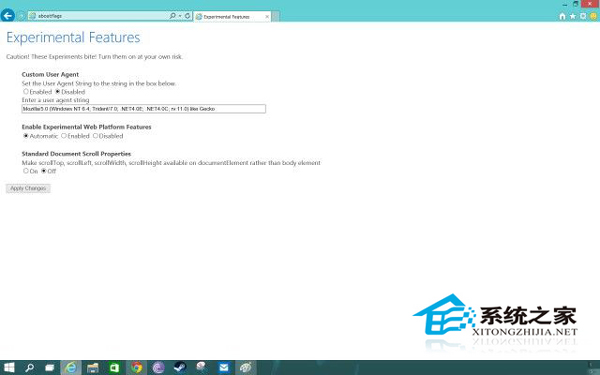
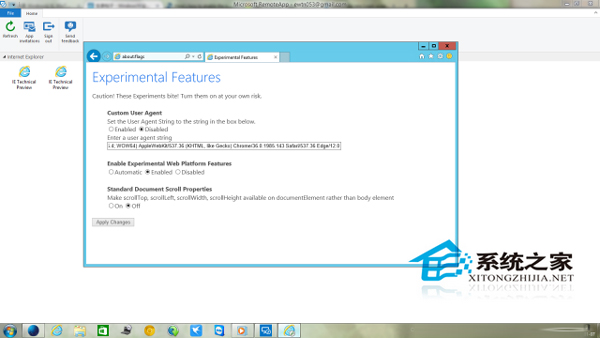
IE12 為新一代渲染引擎,支援更多現代網頁標準,但相容性不如 IE11,遇顯示異常可切回自動模式。
Win10 專業版登入畫面找不到關機鍵?群組原則啟用「允許系統在未登入情況下關閉」
Win10 限制遠程協助僅允許 Vista 及以上系統連接的設定教程
Win10 註冊 OCX 檔案報錯 0x80040200?以管理員權限執行 regsvr32 即可解決
Windows 10 如何隱藏工作列搜尋列(搜尋 Web 和 Windows)?一鍵完成
Win10 周年更新砍掉「跨設備發送短信」,Skype UWP 接管 Messaging Everywhere
Win10 升級後應用程式無法開啟、無法切換帳號?內建 Administrator 帳號衝突解決方案