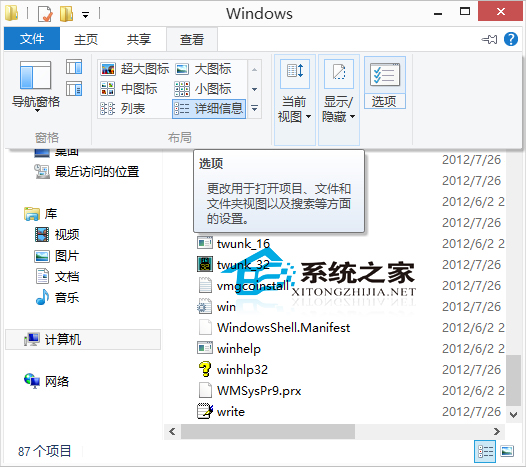
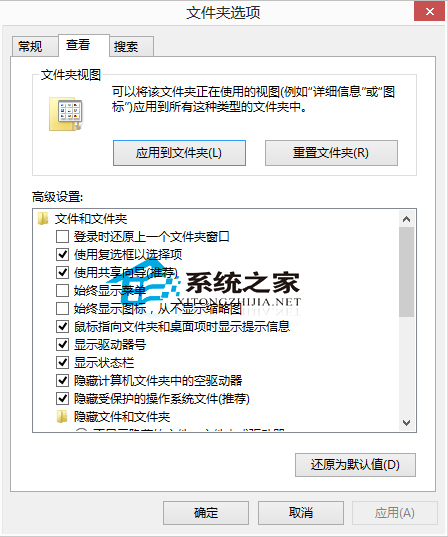
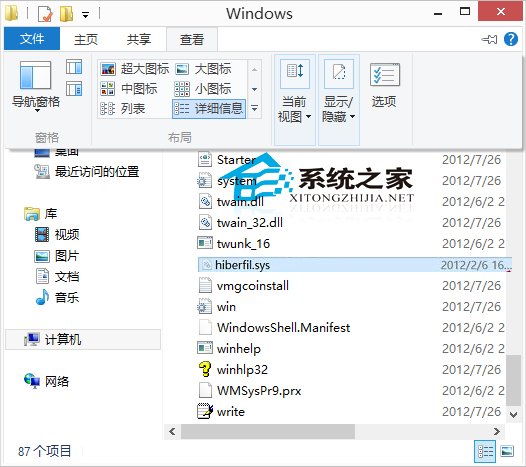
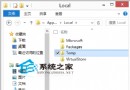
Windows 休眠功能會在系統磁碟建立 hiberfil.sys 檔案儲存記憶體內容,大小約等於實體記憶體容量。查找與管理方法:
hiberfil.sys
powercfg /hibernate off
powercfg /hibernate on
Win10 使用 Microsoft 帳號無法存取共用印表機?在認證管理員新增 Windows 認證解決權限問題
Win10 筆電螢幕亮度調整方法:鍵盤快速鍵、設定、控制台、行動中心多種管道
Win10 9879 開啟會員中心 Insider Hub:接收最新消息與測試任務
Win10 IE11 啟用自動調整圖片大小:網際網路選項→進階→勾選「啟用自動影像大小調整」
Win10 快速啟動設定教學:電源選項啟用/關閉快速開機功能
Win10 自訂開始選單磚塊背景與圖示:軟媒魔方 + XML 清單檔實作
Win10 隱藏檔案/資料夾:右鍵內容勾選隱藏屬性,檔案總管設定顯示/隱藏隱藏項目
德國慕尼黑政府擬棄Linux回歸Win10:OpenOffice兼容性成壓垮駱駝稻草