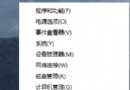
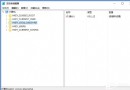
Windows 10 預覽版面向全球,有多語言版本。中國使用者建議下載中文版避免語言障礙。官方下載流程如下。
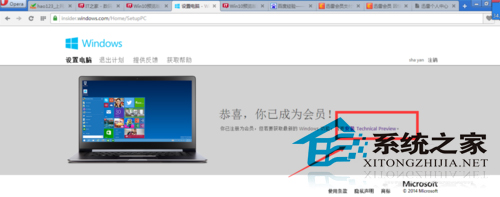
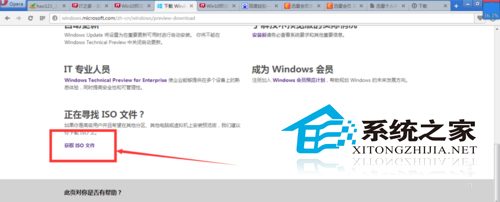
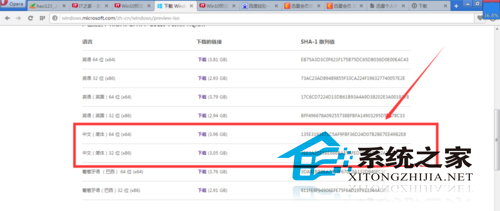
本文提供官方下載管道,國內其他網站亦提供下載,請選擇安全性高的來源。
Windows 10 開啟「步驟記錄器」:開始功能表 Windows 配件中固定位置
物聯網消費市場四大潛力巨頭:亞馬遜、谷歌、蘋果、三星誰將主導?
Win10 10056 透過 Windows Update 升級 10061:修改登錄 SelfHost 設定
Win10 安裝 Office 2013 提示錯誤 1406?刪除註冊表 HKEY_CURRENT_USER\Software\Microsoft\Office 機碼即可解決
Win10 系統優化四大招:關閉家庭群組、移除預裝 App、停用排程優化、關閉系統保護