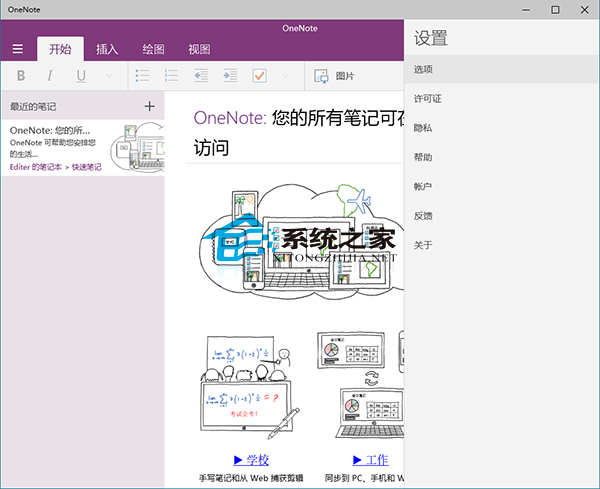
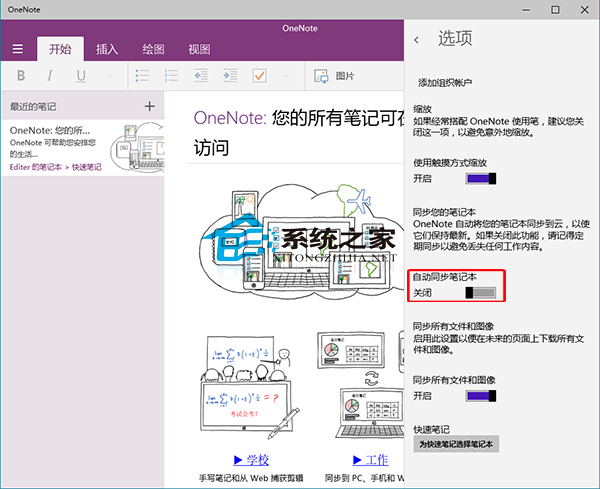
OneNote 預設自動同步所有筆記本,不需要時如何關閉?
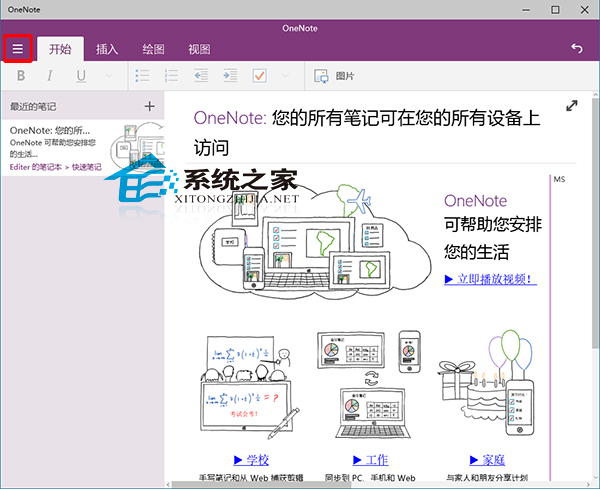
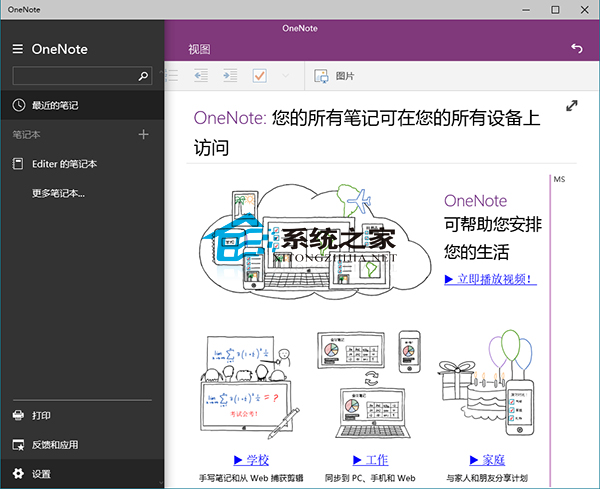
OneNote 也支援全螢幕編輯,操作區域更大,效率更高。
Win 10 桌面顯示「這台電腦」圖示:個人化設定勾選「電腦」或從資源回收筒拖曳建立捷徑
Win10 環境安裝 Win8.1 雙系統教學:USB 開機安裝法
Win10 待機 CPU 佔用 70%?停用 Superfetch 與調整虛擬記憶體
Win10 SearchIndexer.exe 應用程式錯誤彈窗怎麼解決?移除第三方軟體、重啟搜尋服務、sfc 修復系統檔案
Win8.1 升級 Win10 卡在 modern setup host 停止運作?四大排除方向
Win10 控制台找回舊版「Windows Update」按鈕:匯入註冊表檔案一鍵恢復