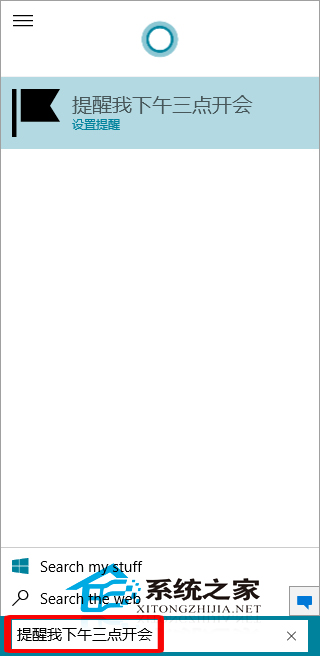
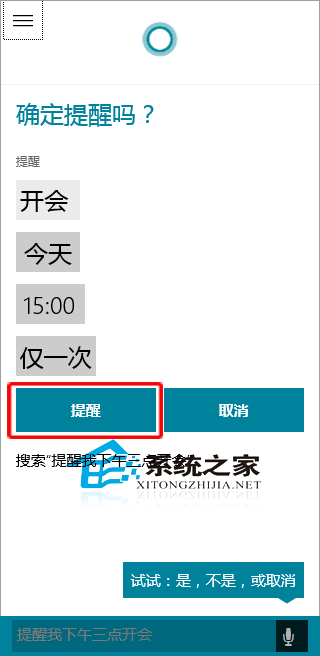
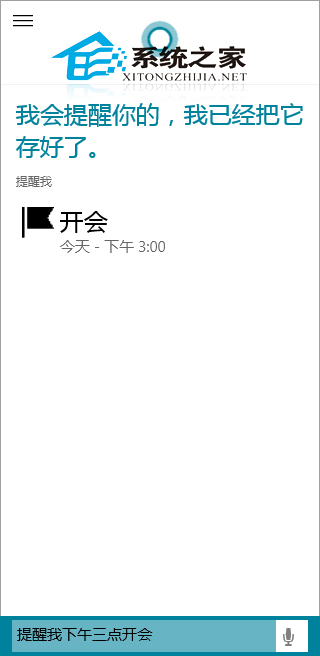
Cortana(小娜)如同 Siri,是智慧秘書。新增提醒無需手動設定,對 Cortana 說一句話即可自動完成。
這只是小娜簡單功能,更多用法可參考《Win10 預覽版 9901 Cortana 如何使用》。
Windows 10 無法開啟 Edge 瀏覽器?啟用使用者帳戶控制 (UAC) 即可解決
Win10 任務列隱藏圖示三角形開關:工作列設定 → 通知區域 → 自訂 → 「一律顯示所有圖示」
Windows 10 更改電源計劃:筆電續航與效能平衡的關鍵設定
Win10 快速啟動列不見了?五步驟找回經典 Quick Launch 工具列
Windows 10 查看 DirectX 版本號完整教學
Win10 註冊表修改桌面圖示水平/垂直間距
Windows 10 控制台在哪裡?兩種最快開啟方法
Win10 查看激活剩餘天數命令:slmgr.vbs -xpr 秒出到期日期