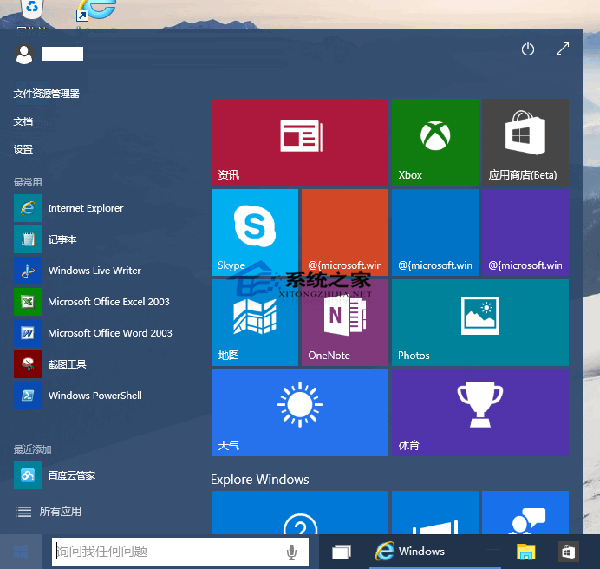
Windows 10 透明效果覆蓋開始選單、工作列、動作中心,但非人人喜歡。如何關閉?
HKEY_CURRENT_USER\SOFTWARE\Microsoft\Windows\Themes\Personalize
EnableTransparency
1
想恢復透明效果,將數值改為 0 即可。
0
Win10 關閉「快速存取」常用資料夾顯示的完整教學
Win10 新版相機應用 Camera Beta 體驗:與新照片應用無縫聯動
Edge 瀏覽器看影片綠屏?更新顯卡驅動、關閉硬體加速即可修復
Win10 螢幕亮度無法調節?註冊表修改 KMD_EnableBrightnessInterface2
Win 10 關閉 Windows Ink 工作區:登錄表新增 AllowWindowsInkWorkspace=0 釋放資源
Win 10 自訂主題色彩:執行 Control Color 開啟傳統色彩混合器調整色相、飽和度、亮度
Win10 找不到 Windows Hello?硬體需求與啟用條件完整說明
Win 10 禁用 Win+ 快速鍵教學:自訂 DisabledHotkeys 避免熱鍵衝突